From intake to the delivery roadmap
Create orders or import a spreadsheet, narrow the list with filters, and use barcode or bulk actions. Prepare labels and roadmap documents before handing shipments to the next team.
Manage the delivery journey, handovers, and exceptions from one workspace.
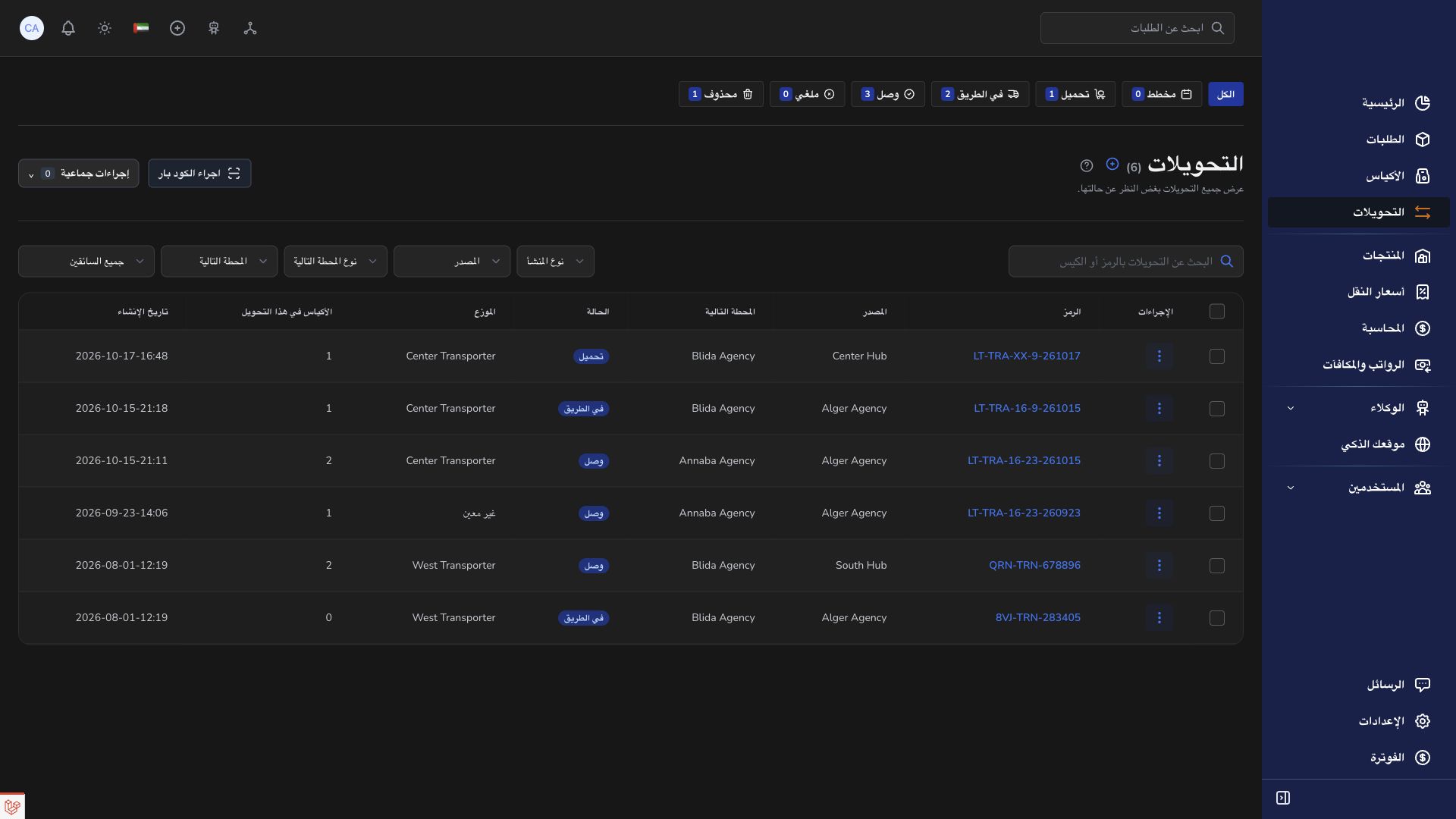
Create orders or import a spreadsheet, narrow the list with filters, and use barcode or bulk actions. Prepare labels and roadmap documents before handing shipments to the next team.
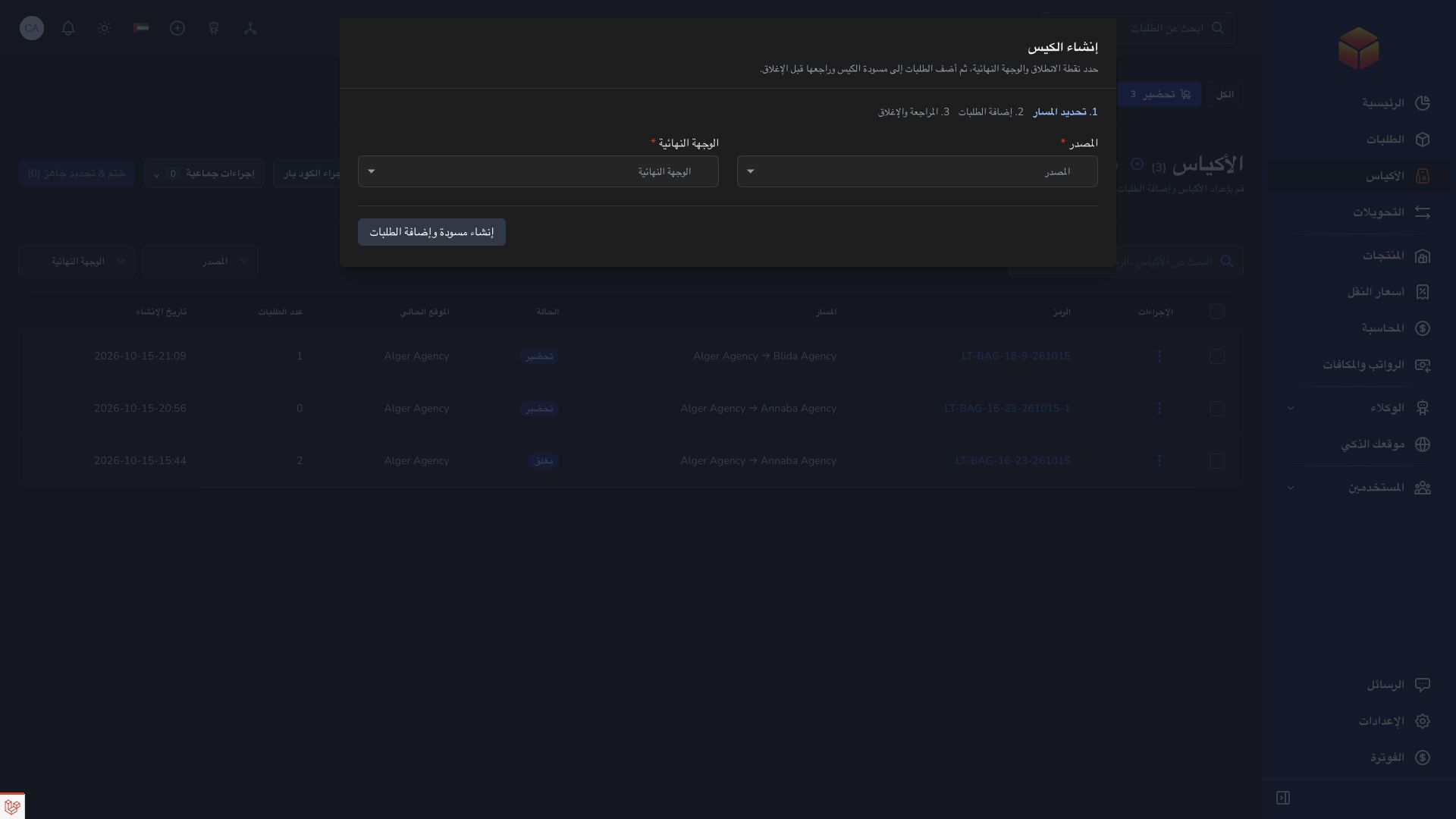
Group eligible orders into a bag with a final destination agency. A transfer records the next leg, its transporter, departure, and receipt; a bag can pass through a hub on its way.
Record receipt when the load arrives, then check its parcels. Track missing items, failed delivery attempts, and returns with references and useful notes for the responsible team.
When an order is refused, follow its return journey and discuss the issue in its order conversation rather than losing it among delivery updates.
Practical instructions from the ColSuite documentation.
The Orders list lets you locate shipments and narrow the view to the work you need to perform.
Read the guide ↗ Bags & transfersUse the Bags workspace to find a physical bag, follow its route and understand whether it needs preparation, transport, onward forwarding or final verification.
Read the guide ↗ Bags & transfersFind a transfer, read its route and manifest, and identify what the departure team, transporter and receiving team still need to do.
Read the guide ↗Start with 300 free orders and discover the tools with your team.