A product catalog that is ready to sell
Maintain product identity, SKU, images, prices, and variants. Review generated option combinations and quantities so each size or color has the right stock information.
Help sellers receive orders online while keeping products and stock connected.
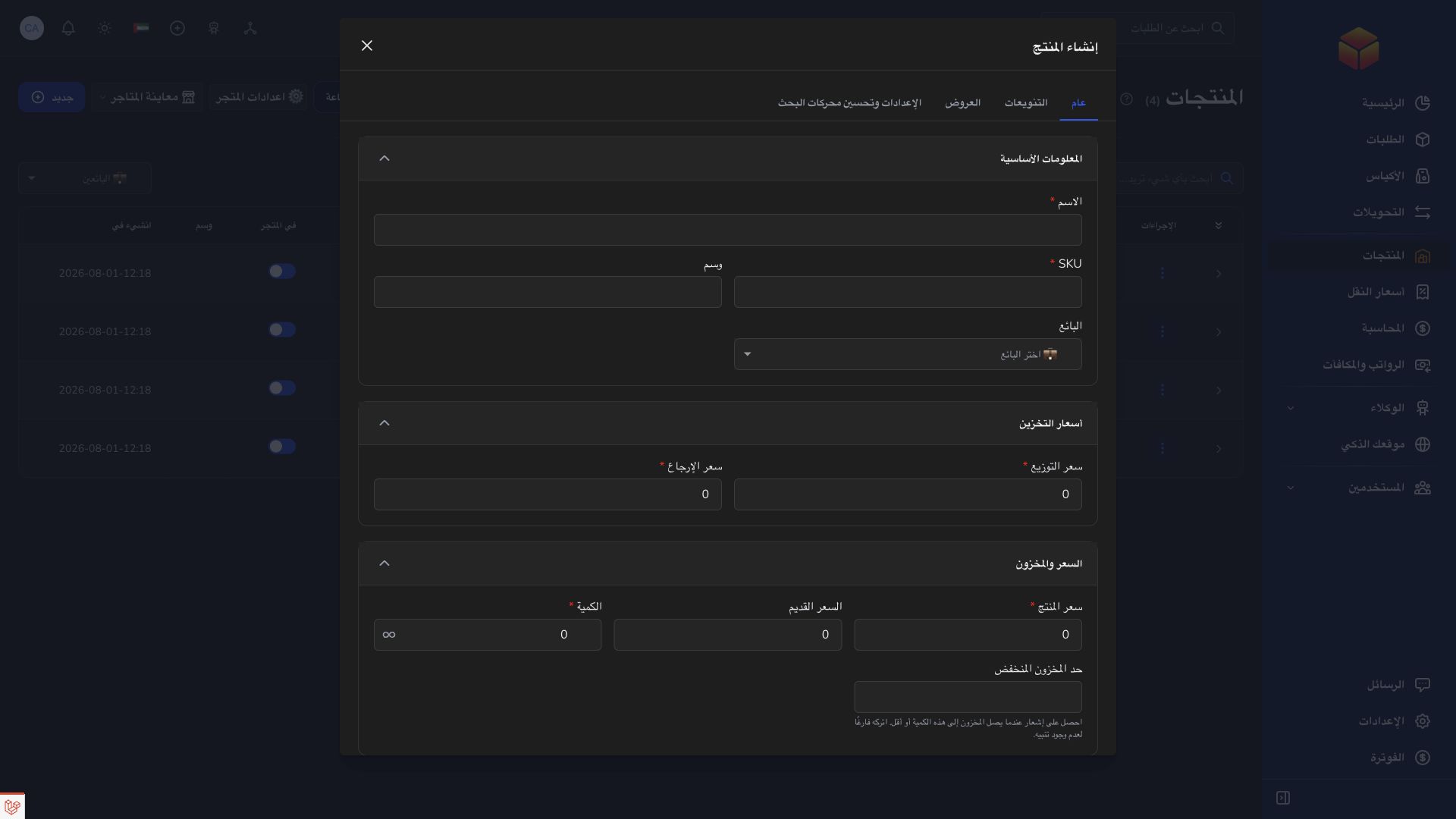
Maintain product identity, SKU, images, prices, and variants. Review generated option combinations and quantities so each size or color has the right stock information.
Configure your seller storefront, or build a dedicated product landing page. Preview the design and integrated order form, then publish when the page is ready for customers.
Check product selection, delivery details, and checkout before sharing your store. Received orders enter ColSuite so the seller and delivery team can continue the work together.
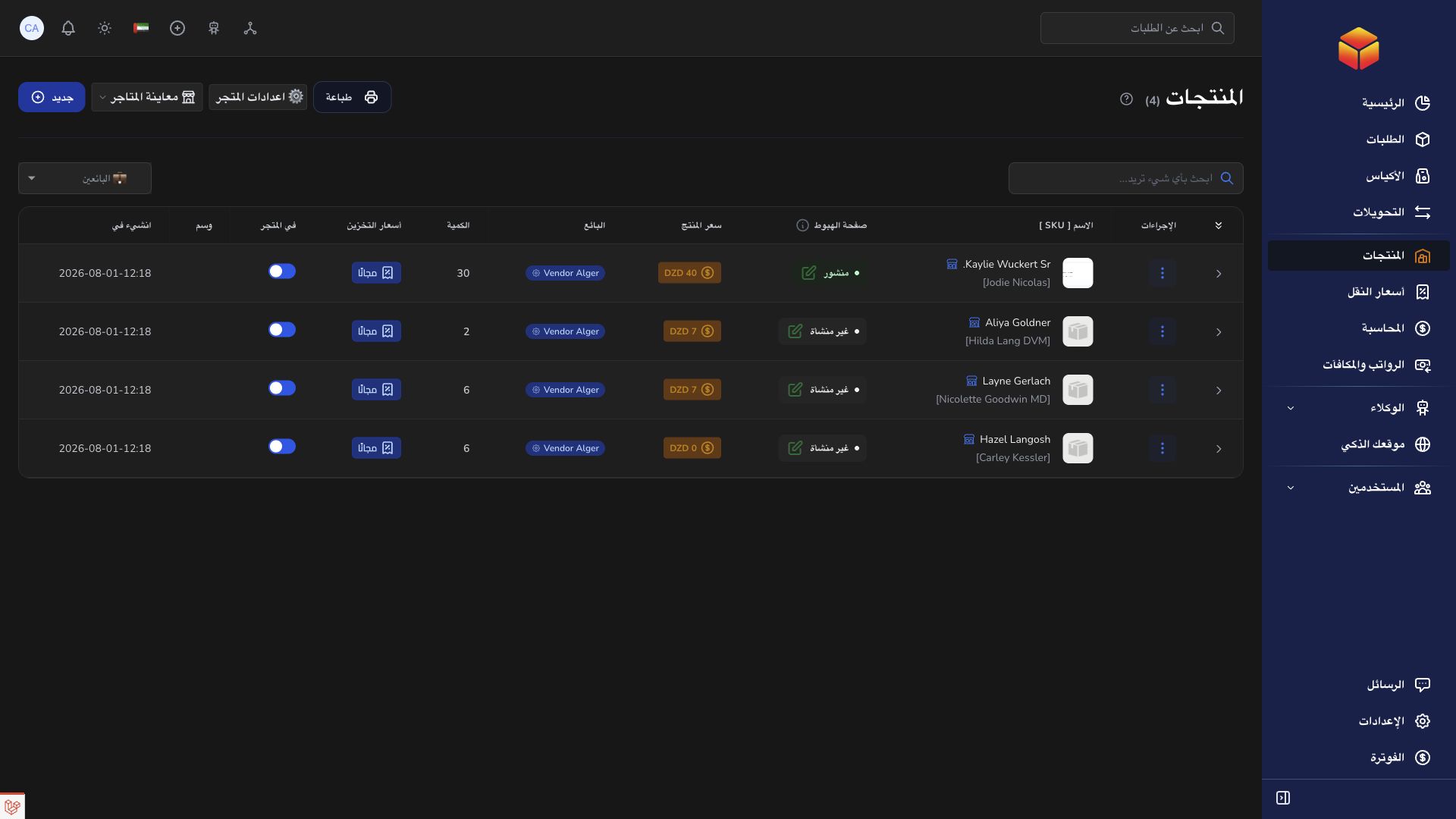
A seller shares one product page for a campaign. Customers place orders through its checkout, and the team handles them in ColSuite.
Practical instructions from the ColSuite documentation.
Create a dedicated page for one product, use AI to improve its presentation, and let customers order from it.
Read the guide ↗ Stores & productsProducts may use variants and stock controls to represent different purchasable options and inventory quantities.
Read the guide ↗ Stores & productsStore settings control the public shopping experience associated with your company or vendor.
Read the guide ↗Start with 300 free orders and discover the tools with your team.