The right conversation for the job
Use a direct message for a person, a group for your team, or an order conversation for a shipment. Participants and references keep the discussion connected to the work.
Direct messages, groups, and order conversations. Share text and voice, with calls and screen sharing where supported.
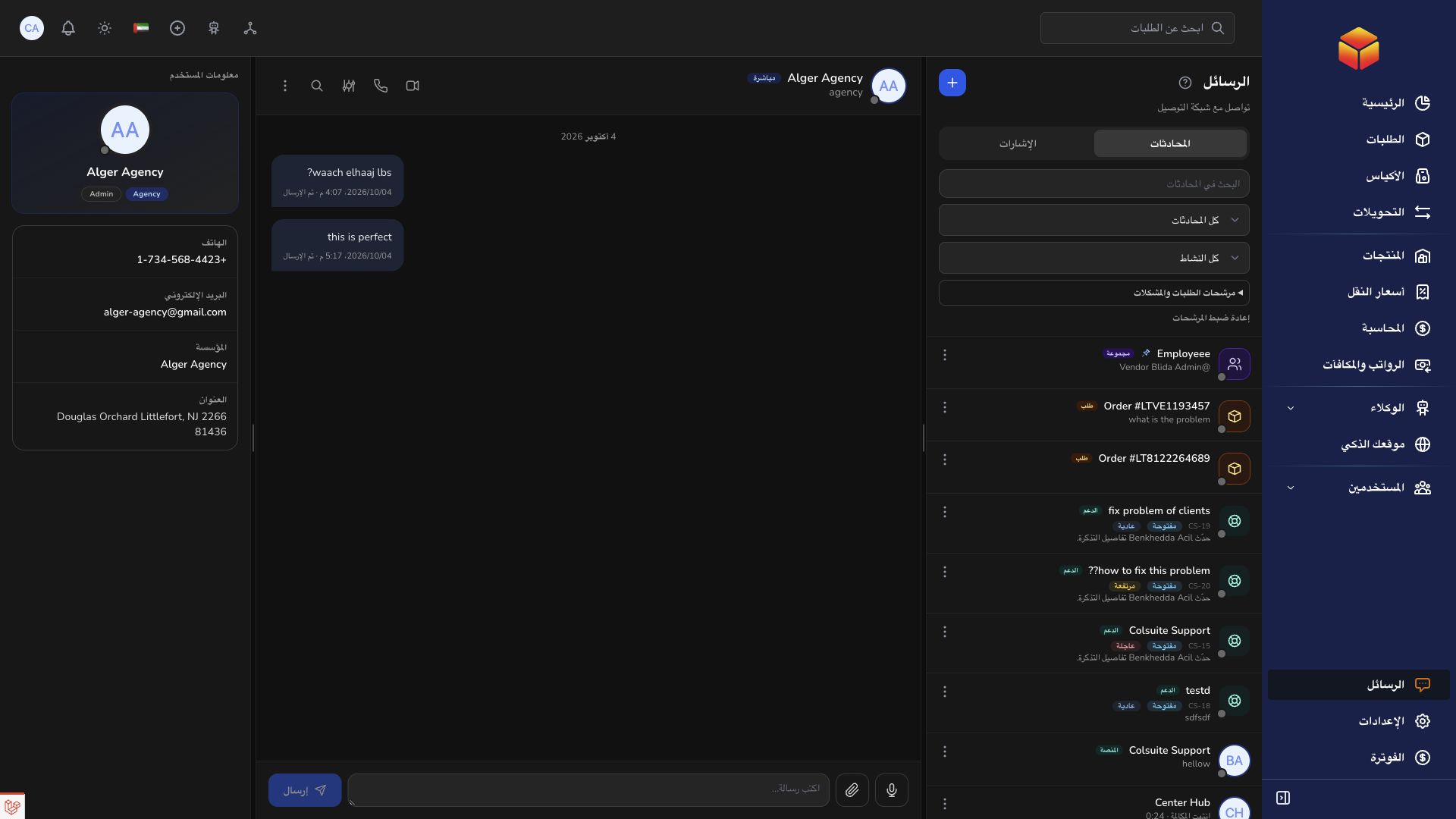
Use a direct message for a person, a group for your team, or an order conversation for a shipment. Participants and references keep the discussion connected to the work.
Start a voice or video call with an eligible contact, mute your microphone, or share your screen. Minimize the call panel to keep working while the conversation continues.
Find conversations with search and filters. Use pins for important instructions, review mentions and unread messages, and adjust notifications for each discussion.
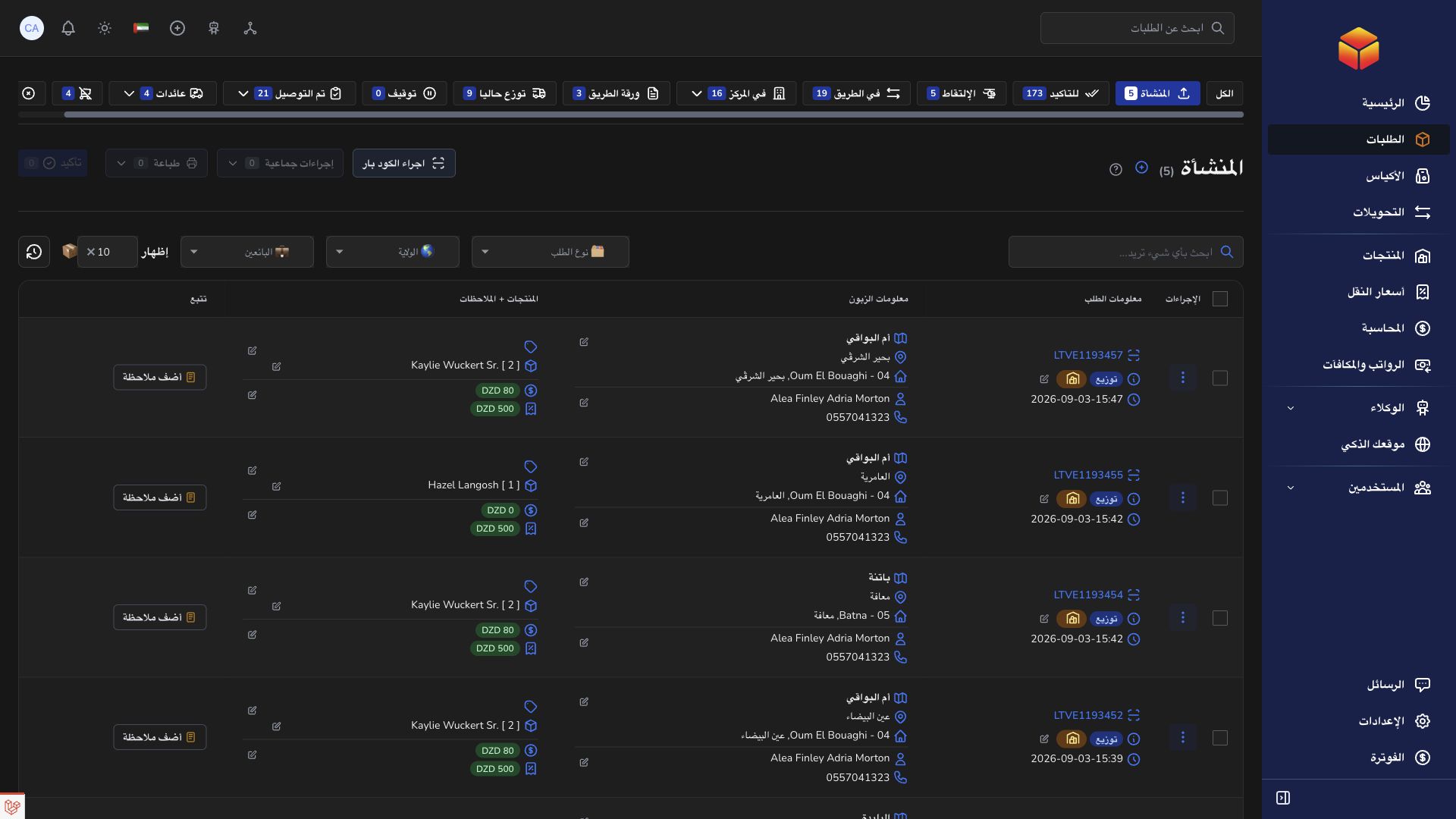
An address needs clarification? Discuss it with the people handling the order, without copying its details between separate tools.
Practical instructions from the ColSuite documentation.
Messages brings direct, group, order-related and support conversations into the communication workspace.
Read the guide ↗ MessagesGroup conversations bring the relevant team members together and support file attachments alongside messages.
Read the guide ↗ MessagesCall an eligible contact from Messages, control your microphone and camera, and share your screen while keeping the conversation accessible.
Read the guide ↗Start with 300 free orders and discover the tools with your team.