Start with a clear assignment
Review assigned orders or transfers, including references, origin, and destination. Reconcile physical bags with the sending team before departing.
A clear workspace for assigned deliveries, updates, and communication.
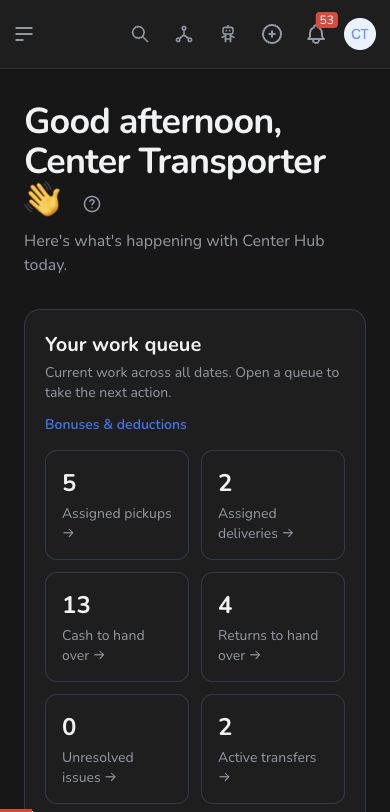
Review assigned orders or transfers, including references, origin, and destination. Reconcile physical bags with the sending team before departing.
Use the controls available to your assignment. Loading, departure, and receipt are different stages; coordinate arrival with the destination team and report discrepancies promptly.
Use the order conversation to clarify an address or delivery issue with the right people. Review your own accounting and available payment records from your workspace.
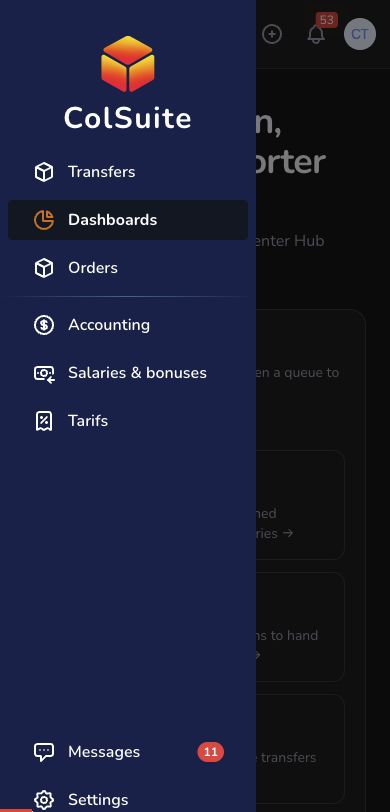
If an address is unclear, use the order conversation to coordinate with the team before continuing delivery.
Practical instructions from the ColSuite documentation.
A transporter works on the shipments and transfers assigned to that account and coordinates the physical movement with the responsible locations.
Read the guide ↗ TransporterTransporters are assigned operational work according to the company configuration and available logistics actions.
Read the guide ↗ OrdersA delivery roadmap groups selected orders for a transporter and provides a printable document for the handover.
Read the guide ↗Start with 300 free orders and discover the tools with your team.