Prepare your catalog and storefront
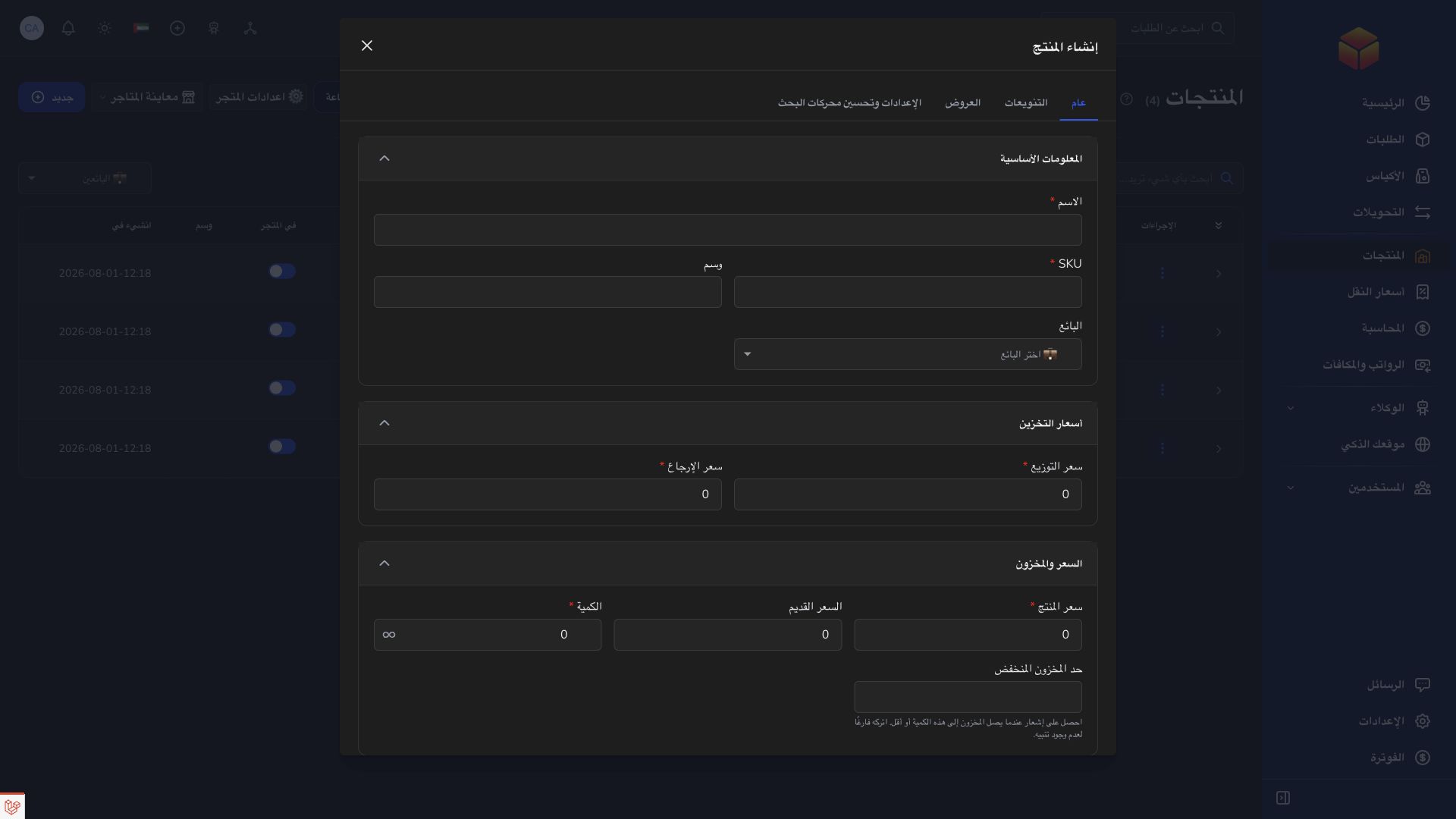
Maintain product details, pictures, options, and stock. Configure your store or publish a focused product page so customers can place orders directly.
Bring your products, online orders, and delivery follow-up together.
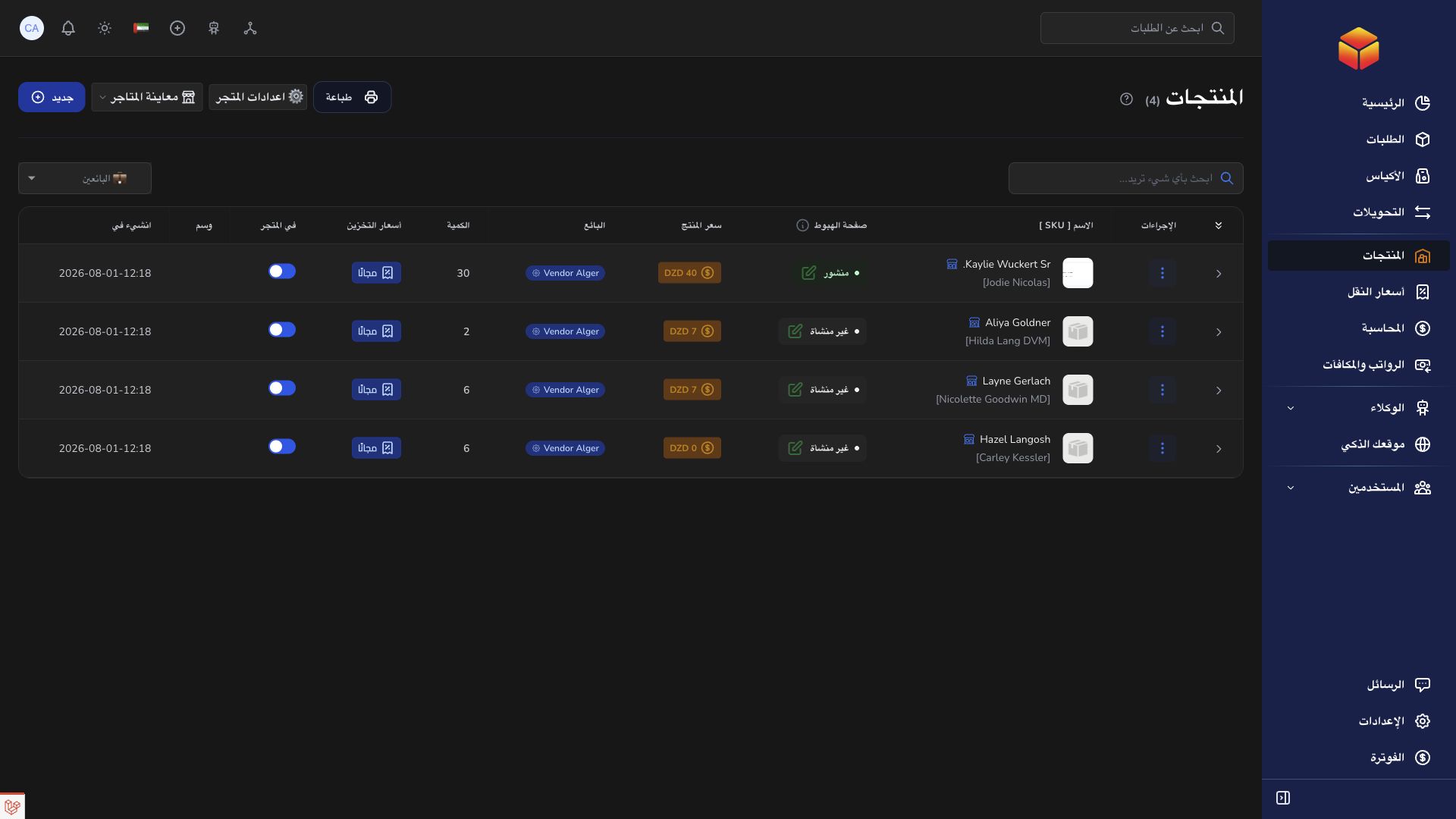
Maintain product details, pictures, options, and stock. Configure your store or publish a focused product page so customers can place orders directly.
Enter recipient details, address, products, and amounts, or import your orders. Keep the barcode to follow each shipment while the delivery network handles the physical work.
Check status and history for operational progress, and Accounting for financial entries. Use an order conversation or support ticket to resolve a discrepancy with its reference.
Turn a storefront checkout into a delivery order and follow it through the same seller workspace.
Practical instructions from the ColSuite documentation.
A vendor is the merchant whose products and orders are handled by a company.
Read the guide ↗ Stores & productsProduct forms maintain your catalog information, pricing, stock settings and product pictures.
Read the guide ↗ Landing page AICreate a dedicated page for one product, use AI to improve its presentation, and let customers order from it.
Read the guide ↗Start with 300 free orders and discover the tools with your team.