People and organizations have different roles
Company, seller, agency, and hub records describe your network. User accounts belong to the appropriate workspace, and several authorized people can work for the same organization.
Give each role the tools and access it needs across your delivery network.
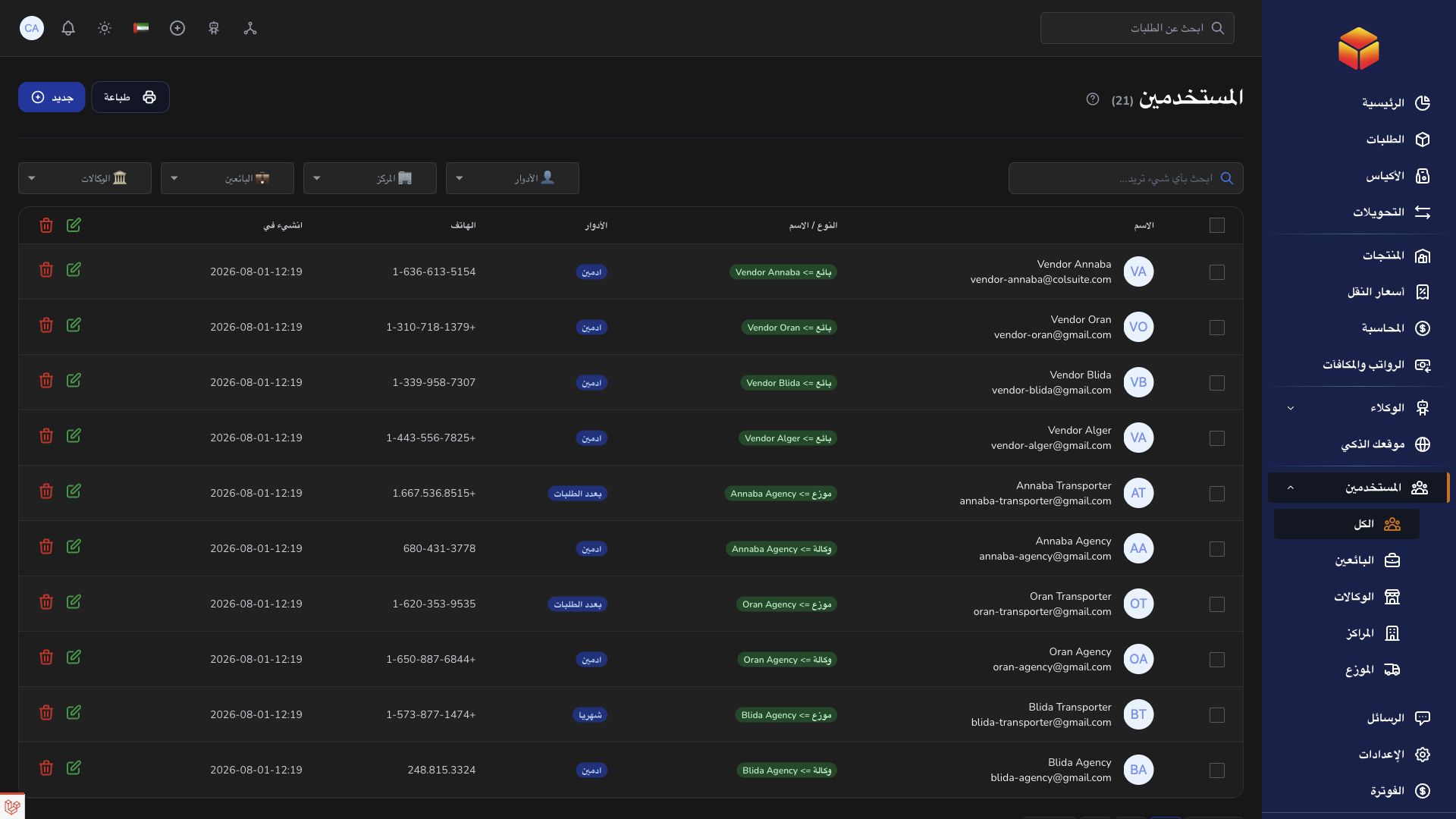
Company, seller, agency, and hub records describe your network. User accounts belong to the appropriate workspace, and several authorized people can work for the same organization.
Assign roles and abilities to the work each person performs. A hub sees its permitted work, a seller follows its own orders, and a transporter works with assigned shipments.
Use conversations with clear references for clarification, and record operational actions on the relevant order, bag, or transfer. Page help supports new team members as they learn.

A hub handles its local workload while company staff oversee the wider operation and sellers follow their own orders.
Practical instructions from the ColSuite documentation.
Roles establish the workspace a user belongs to; permissions control which operations that user may perform.
Read the guide ↗ CompanyAuthorized administrators manage team accounts and assign the correct role, organization and permissions.
Read the guide ↗ HubHubs and agencies represent operational locations used to organize shipment handling and transfers.
Read the guide ↗Start with 300 free orders and discover the tools with your team.