Ask with context, act with visibility
Find records, ask for analytics, or request supported order actions. Include a barcode or reference for precise requests, review proposed changes, and check the outcome after confirmation.
Ask about your operation and automate recurring work with conditions and actions.
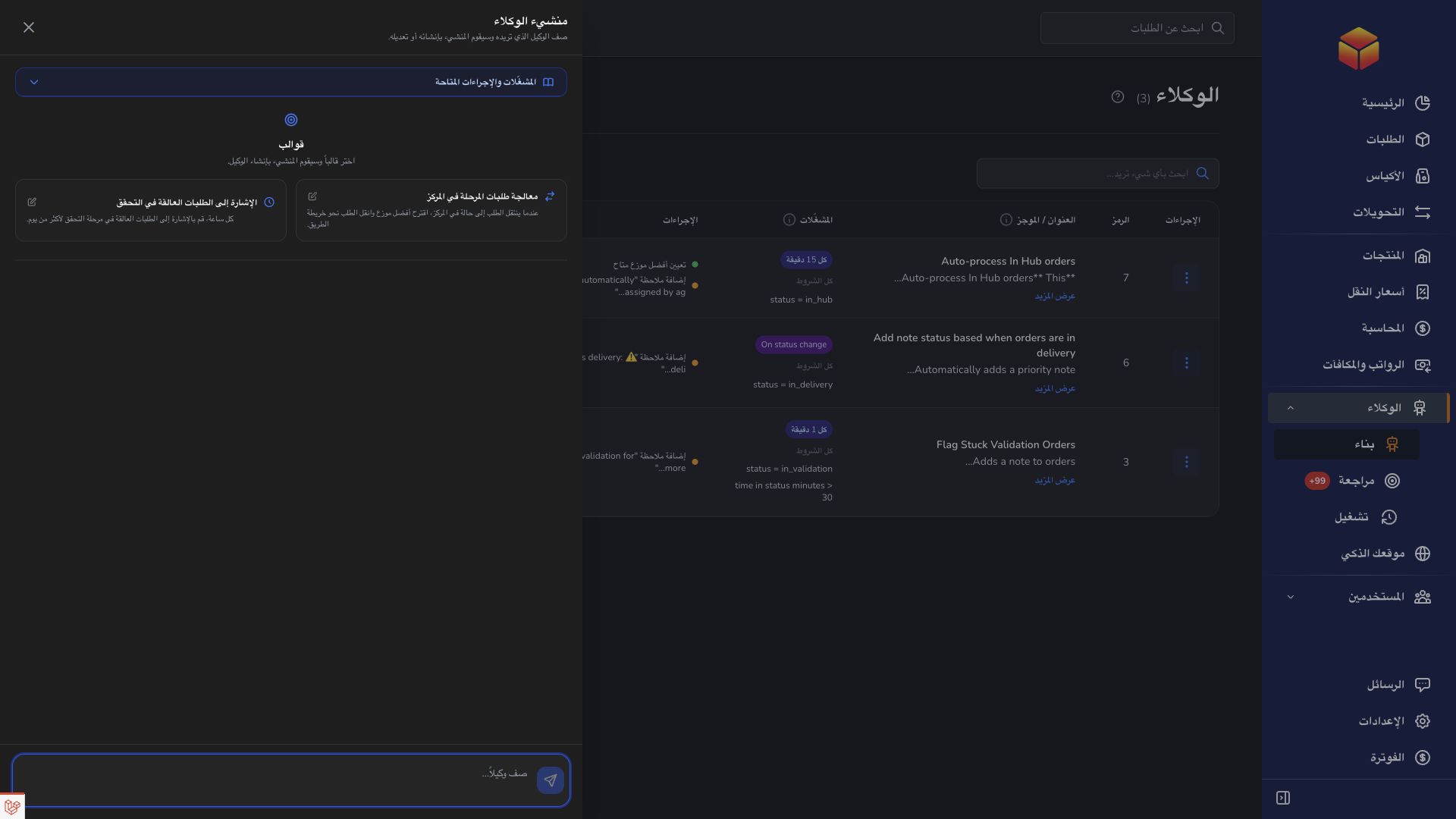
Find records, ask for analytics, or request supported order actions. Include a barcode or reference for precise requests, review proposed changes, and check the outcome after confirmation.
Choose the subject, trigger, conditions, and actions. Preview matching records, review suggestions, and inspect run history before enabling recurring work.
Describe your audience, services, languages, and visual preferences. Refine the generated design in preview, check the customer journey, and publish through the available controls.
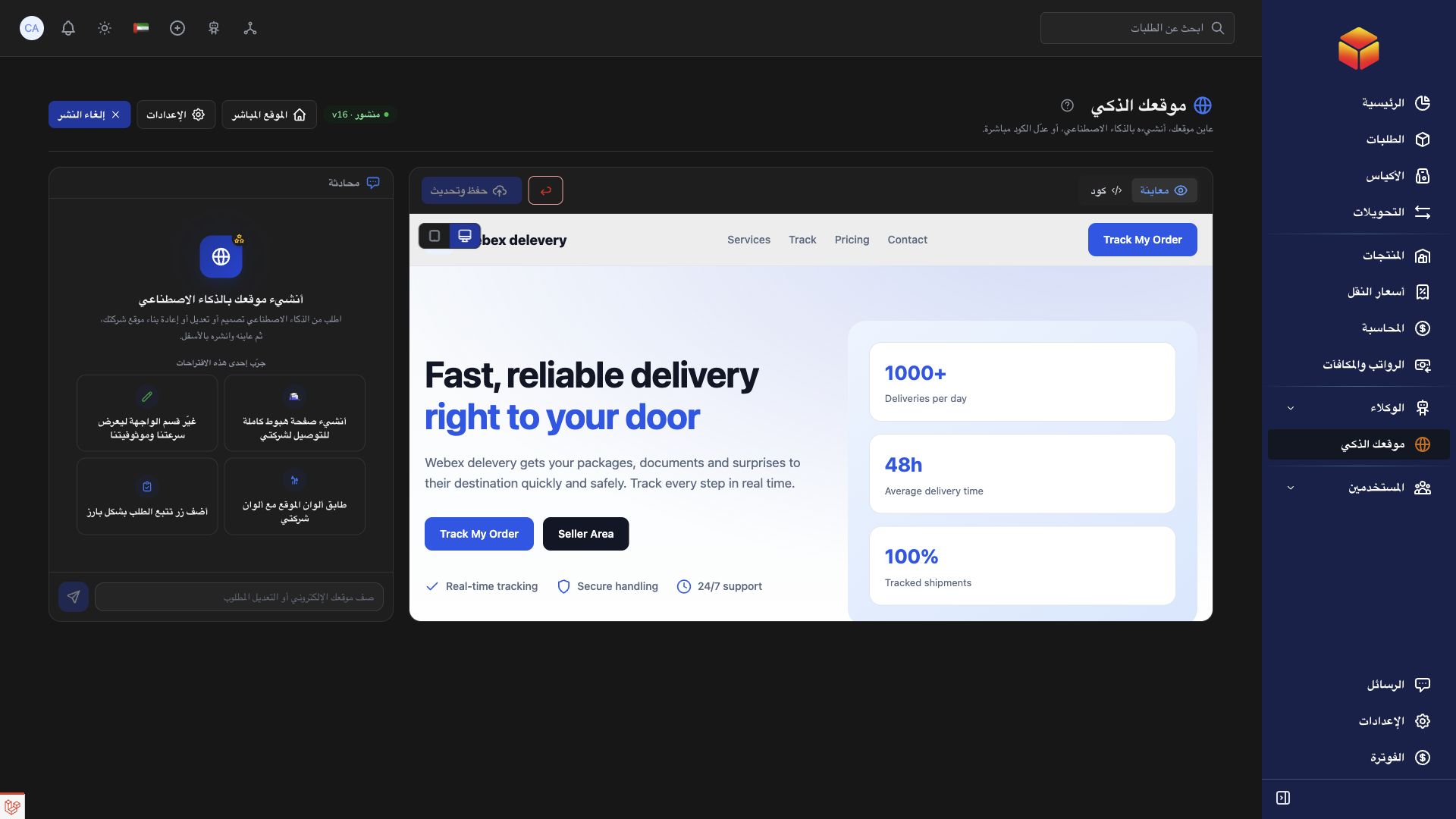
Set up an agent for newly created orders, apply your conditions, and review its run history to understand what happened.
Practical instructions from the ColSuite documentation.
Find orders, understand their history, check operational information and get documentation links in your selected language.
Read the guide ↗ Agent AICreate or refine an automation for orders, bags, transfers or products, then use Agent Settings to control its timing, matching rules, actions and execution safety.
Read the guide ↗ Website AIBuild a public company presentation with your branding, services, coverage areas and order tracking, using a conversation with the website assistant.
Read the guide ↗Start with 300 free orders and discover the tools with your team.