Find a task, not a wall of text
Browse guides by topic or search using the words you see in your workspace. Each guide explains a practical task, with steps, context, and screenshots where available.
Searchable instructions and help linked to the pages where your team works.
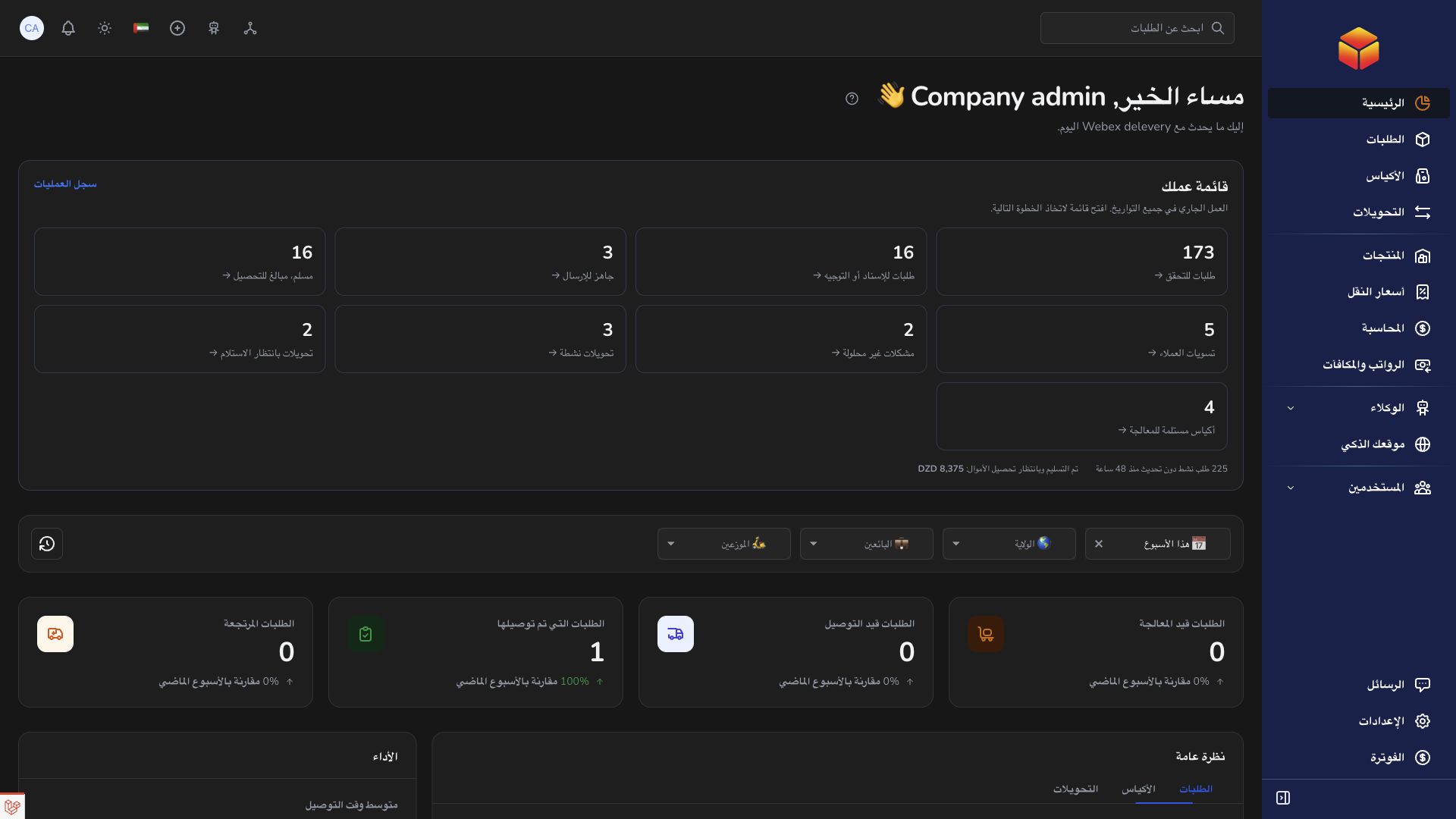
Browse guides by topic or search using the words you see in your workspace. Each guide explains a practical task, with steps, context, and screenshots where available.
Open the help icon on an application page to read the relevant instructions without leaving your task. Continue into the full documentation when you want more detail.
Learn how companies, agencies, hubs, sellers, and transporters work together. The guides explain who handles each stage and why a control may depend on your permissions.
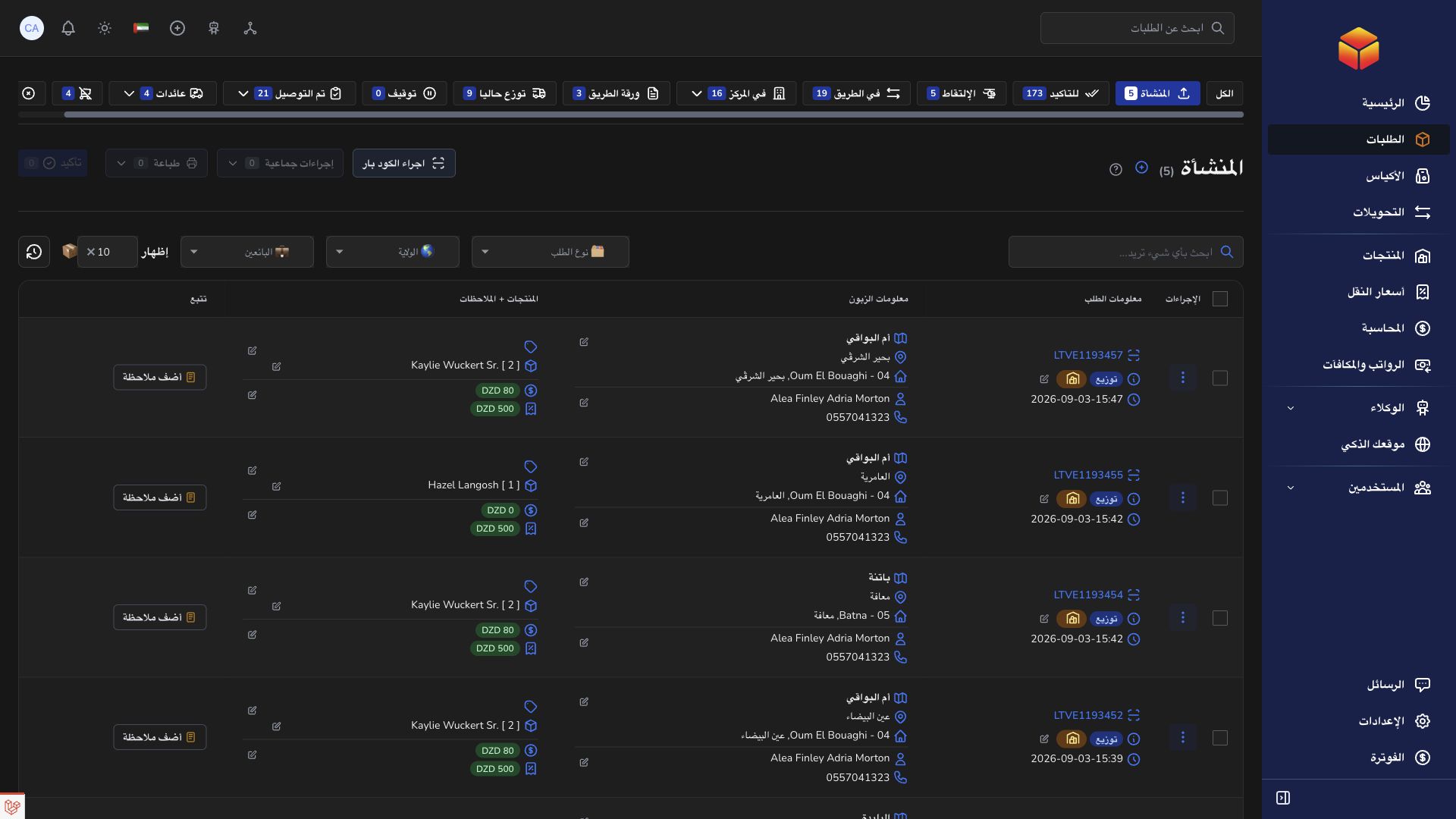
A new team member can learn how to handle an order, then open the relevant screen and put the guide into practice.
Practical instructions from the ColSuite documentation.
ColSuite connects order operations, bags, transfers, vendors, stores, accounting and team conversations in a role-based workspace.
Read the guide ↗ CompanyUse lists, filters and record references to navigate efficiently while staying within your assigned organization.
Read the guide ↗ What’s newUse What’s new and the relevant feature category together when learning about a changed workflow.
Read the guide ↗Start with 300 free orders and discover the tools with your team.