Receive the incoming transfer
Record receipt when the physical load reaches your hub. Match bag references against the transfer and report differences with the relevant record references.
Receive, route, and forward bags between the locations in your network.
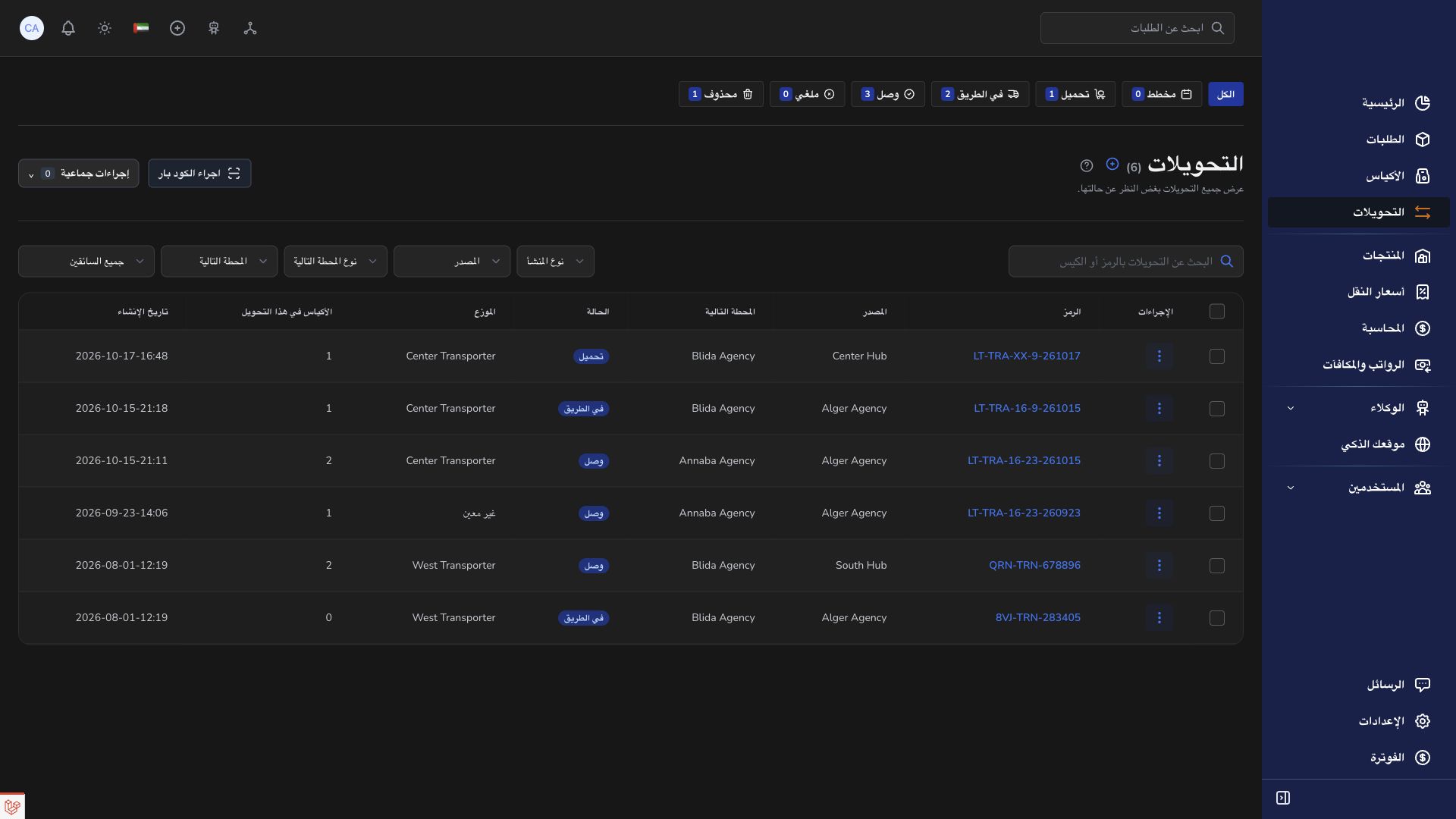
Record receipt when the physical load reaches your hub. Match bag references against the transfer and report differences with the relevant record references.
Keep each bag’s final destination agency in view while arranging an eligible next leg. Receipt at an intermediate hub does not mean the bag is ready for final opening.
Prepare eligible received bags for their next transfer, check the transporter assignment, and record departure after handover. Share the bag and transfer references with the receiving team.
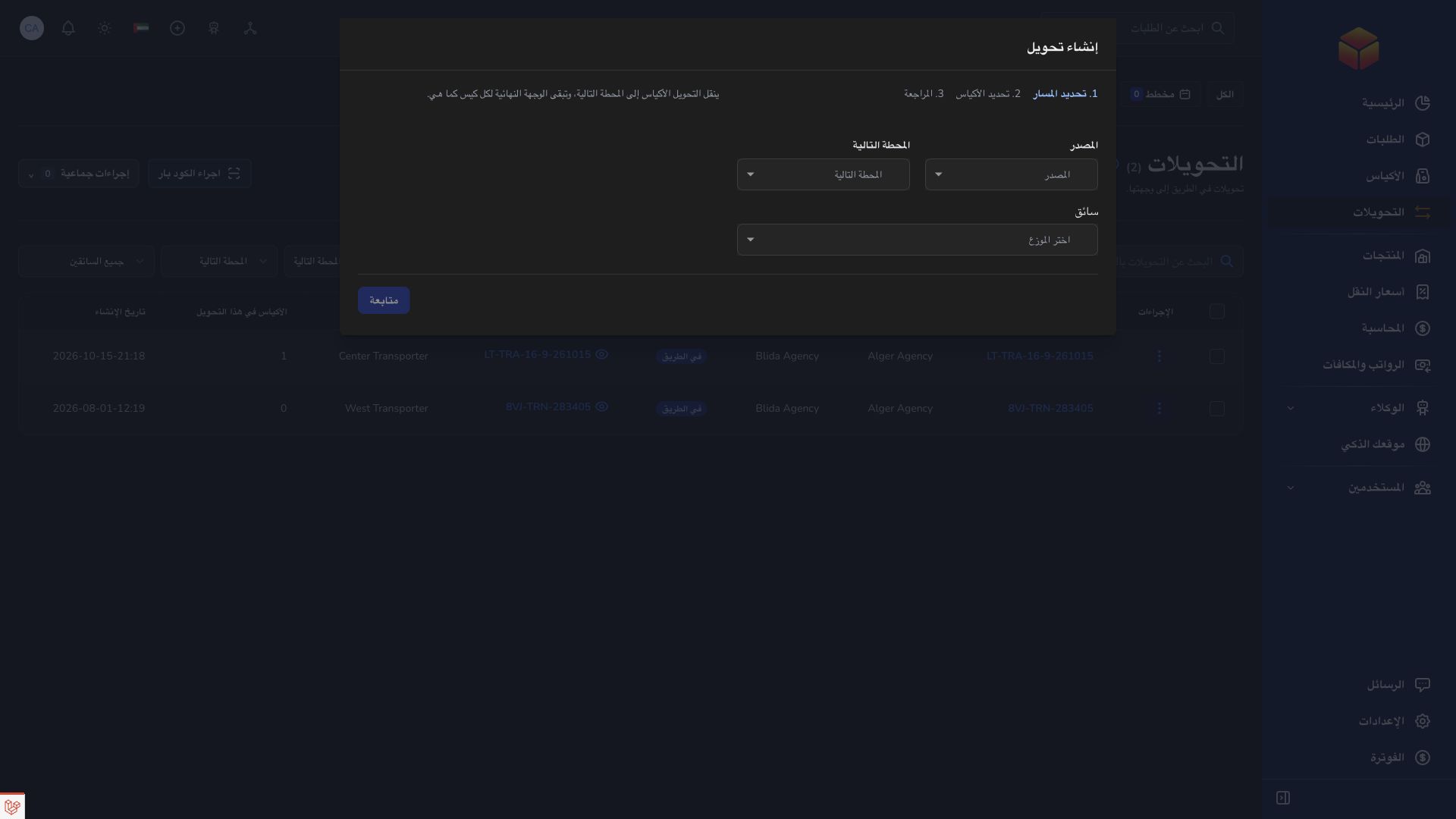
A hub receives a bag on one transfer and forwards it on another. Intermediate receipt keeps the bag closed for final verification at its destination agency.
Practical instructions from the ColSuite documentation.
A hub is a company logistics location used to handle and route shipments between operational locations.
Read the guide ↗ Bags & transfersFind a transfer, read its route and manifest, and identify what the departure team, transporter and receiving team still need to do.
Read the guide ↗ Bags & transfersReconcile the load before departure, receive only the bags that physically arrive and handle partial deliveries or preparation changes accurately.
Read the guide ↗Start with 300 free orders and discover the tools with your team.