Bring spreadsheet orders into the workflow
Use the import template and review recipient, destination, service, and product information. After importing, find the orders in the list before submitting the same file again.
Connect order sources and reduce repeated data entry.
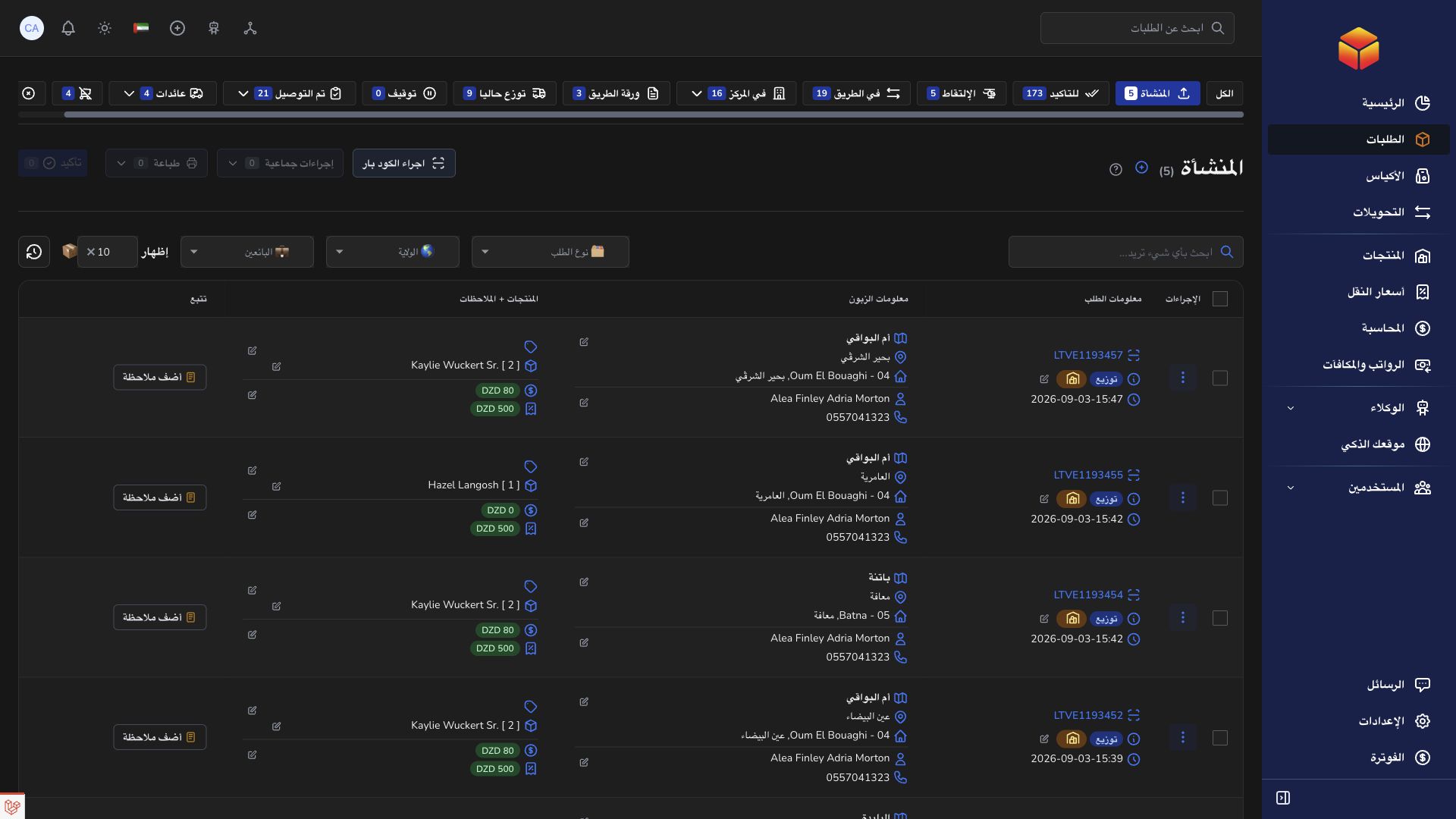
Use the import template and review recipient, destination, service, and product information. After importing, find the orders in the list before submitting the same file again.
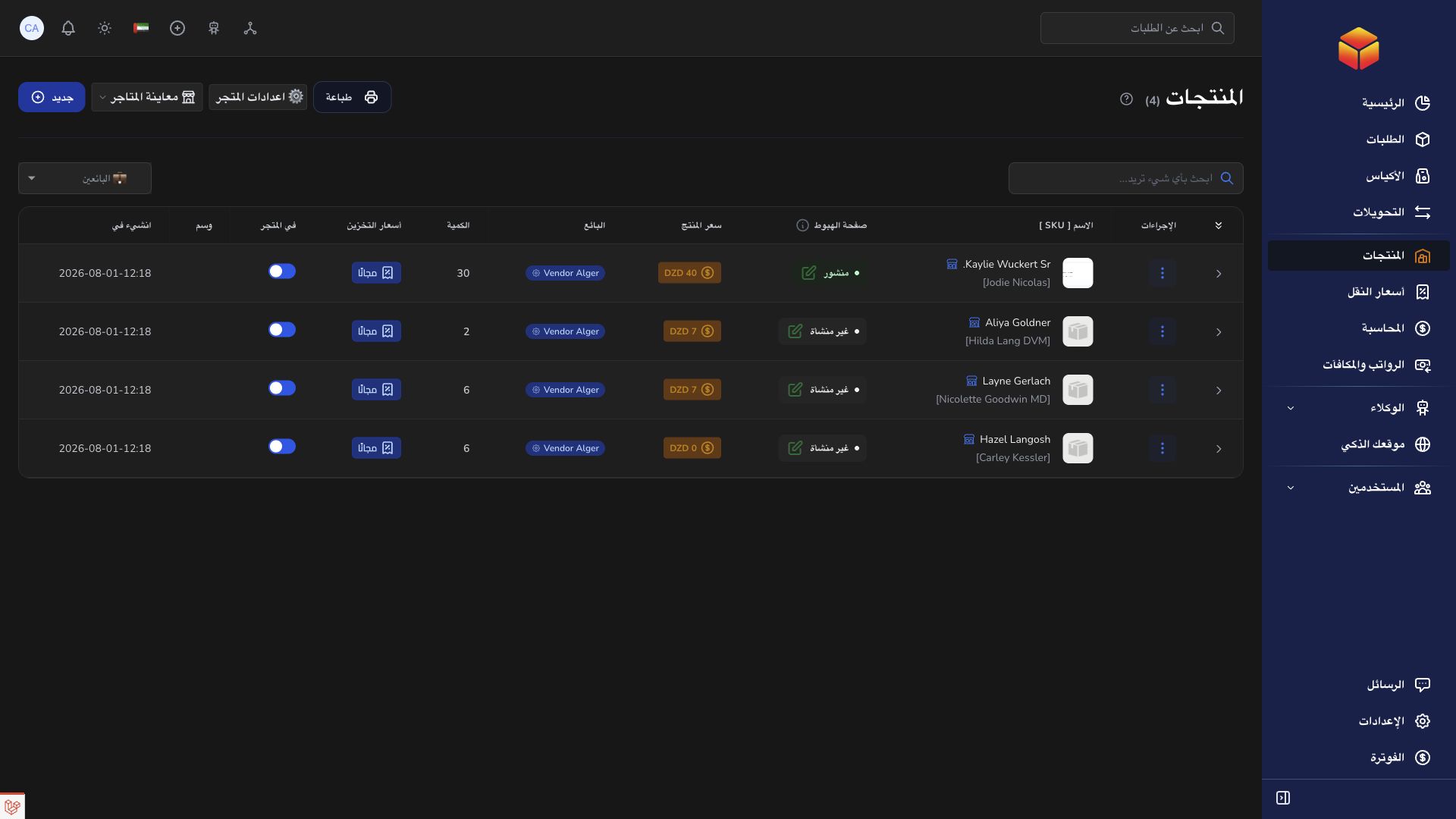
Connect the intended seller account and test the connection. Send orders manually or enable automatic push for new orders; pull existing shipments separately when needed.
Review the result for each sent order and retain both its ColSuite barcode and EcoTrack reference. Follow linked tracking updates, delivery progress, and returns in context.
Bring a batch of seller orders into ColSuite from a spreadsheet, then prepare their documents and delivery assignments together.
Practical instructions from the ColSuite documentation.
Connect a vendor’s EcoTrack account, choose how to send new orders, import existing shipments and follow their delivery or return progress in ColSuite.
Read the guide ↗ OrdersVendor accounts can import orders using the supplied spreadsheet template. Permitted users can export their selected visible orders to Excel.
Read the guide ↗ OrdersOrder lists support selection, permitted bulk operations and barcode modes. Selecting a record and changing its status are separate actions.
Read the guide ↗Start with 300 free orders and discover the tools with your team.