Structure your delivery network
Set up sellers, agencies, hubs, and transporters. Connect each user to the right organization and configure permissions before your team starts processing shipments.
One place to coordinate your network, orders, finances, and team.
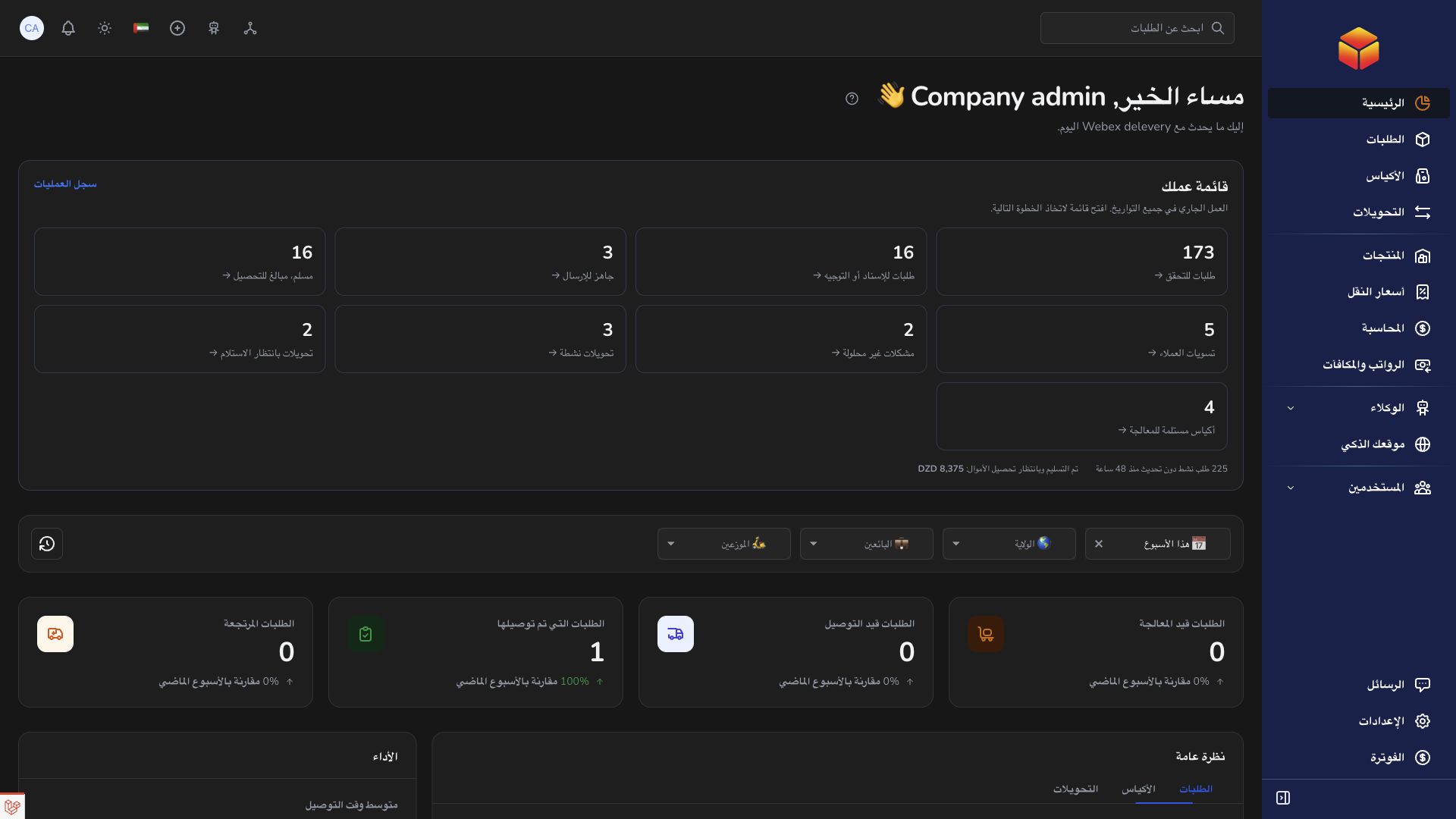
Set up sellers, agencies, hubs, and transporters. Connect each user to the right organization and configure permissions before your team starts processing shipments.
Follow order progress and physical handovers through bags and transfers. Use the responsible location and record history to understand an exception before coordinating its resolution.
Review tariffs, vendor and transporter accounting, and team payment records. Use conversations, reports, and reviewed automation to coordinate recurring work across your company.
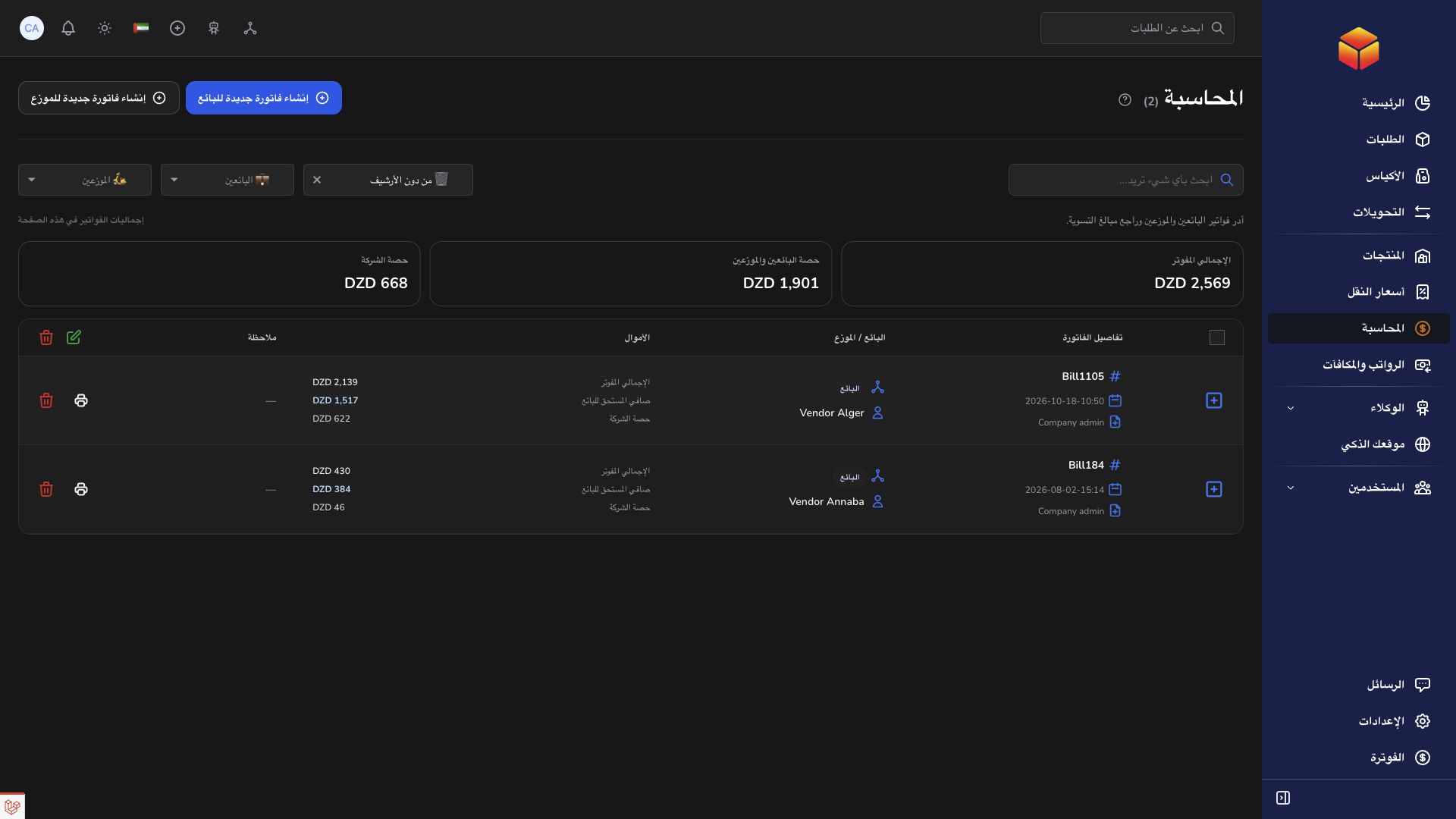
Follow an order from seller intake to delivery and settlement, with the right team involved at each stage.
Practical instructions from the ColSuite documentation.
The company organizes the delivery network and coordinates vendors, agencies, hubs and transporters within its own business.
Read the guide ↗ CompanyCompany administrators prepare the operational structure before team members begin processing shipments.
Read the guide ↗ Billing & accountingBills and payment records document financial settlement activity for the accounts you manage.
Read the guide ↗Start with 300 free orders and discover the tools with your team.