Report an outdated guide or request an explanation
Help improve the guides by reporting unclear instructions, missing explanations or screenshots that no longer match your workspace.
Overview
Help improve the guides by reporting unclear instructions, missing explanations or screenshots that no longer match your workspace.
Use updates with the current workflow guide
An update introduces a change; the feature guide explains how to use the current workflow. Check the guide’s date, the role it applies to and the company features available to your account before following instructions. A feature can be visible to one role while another role sees different controls for its part of the same handoff.
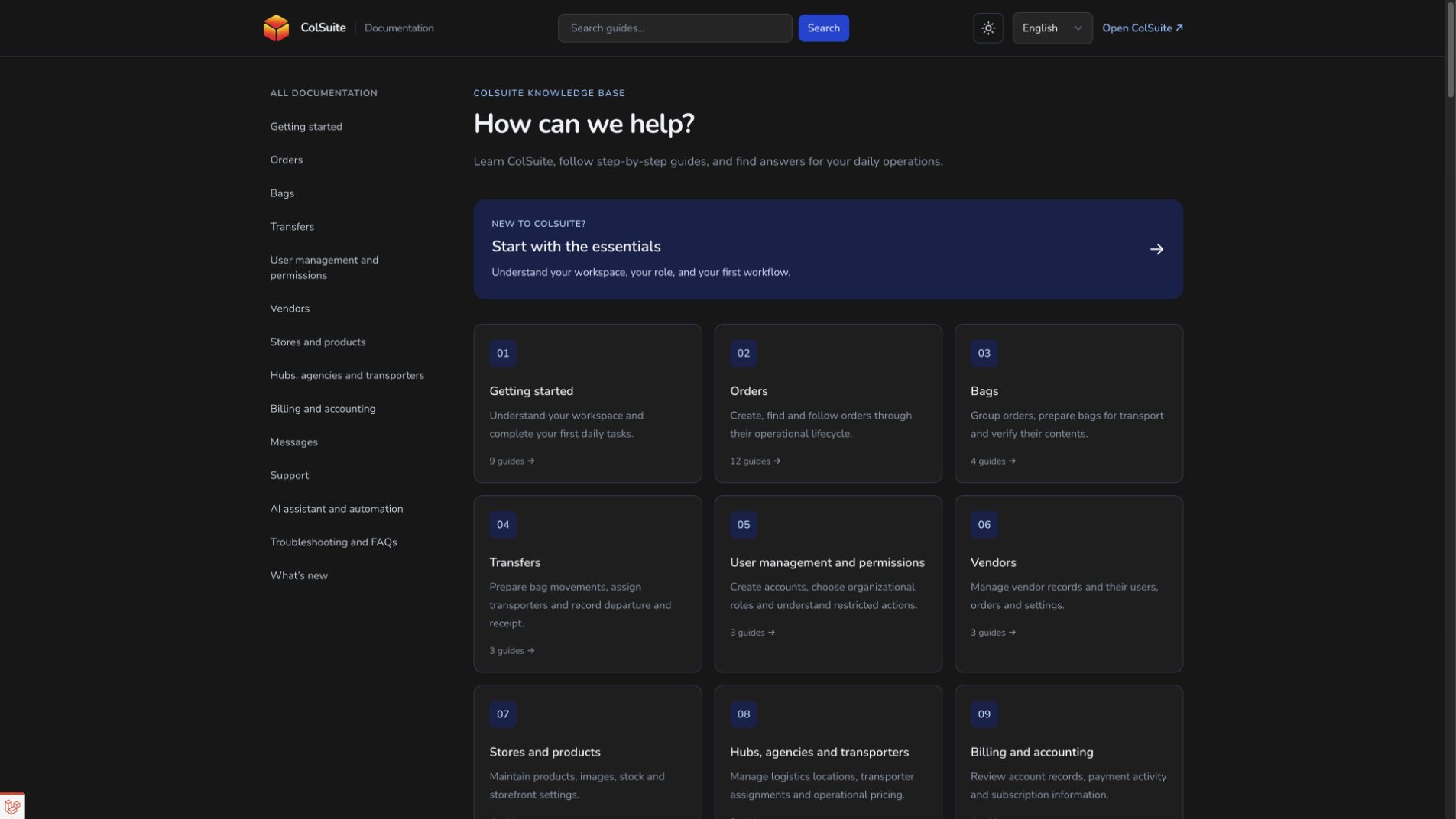
Public documentation, page help and assistant citations point to published guidance. The help panel keeps the relevant article beside your work; the full article gives more space for pictures and related guides. Use the article language selector when you prefer English, French or Arabic, while keeping record references unchanged.
If a label or screenshot differs from your interface, preserve the article URL, heading, page and role in your support request. Explain the exact step and result that did not match. Do not assume a changed screenshot means a record should be recreated or an access restriction ignored; ask for clarification on the existing workflow.
Steps
- Copy the article URL and the heading containing the unclear information.
- Check that the article applies to your role and that you are viewing the expected application page.
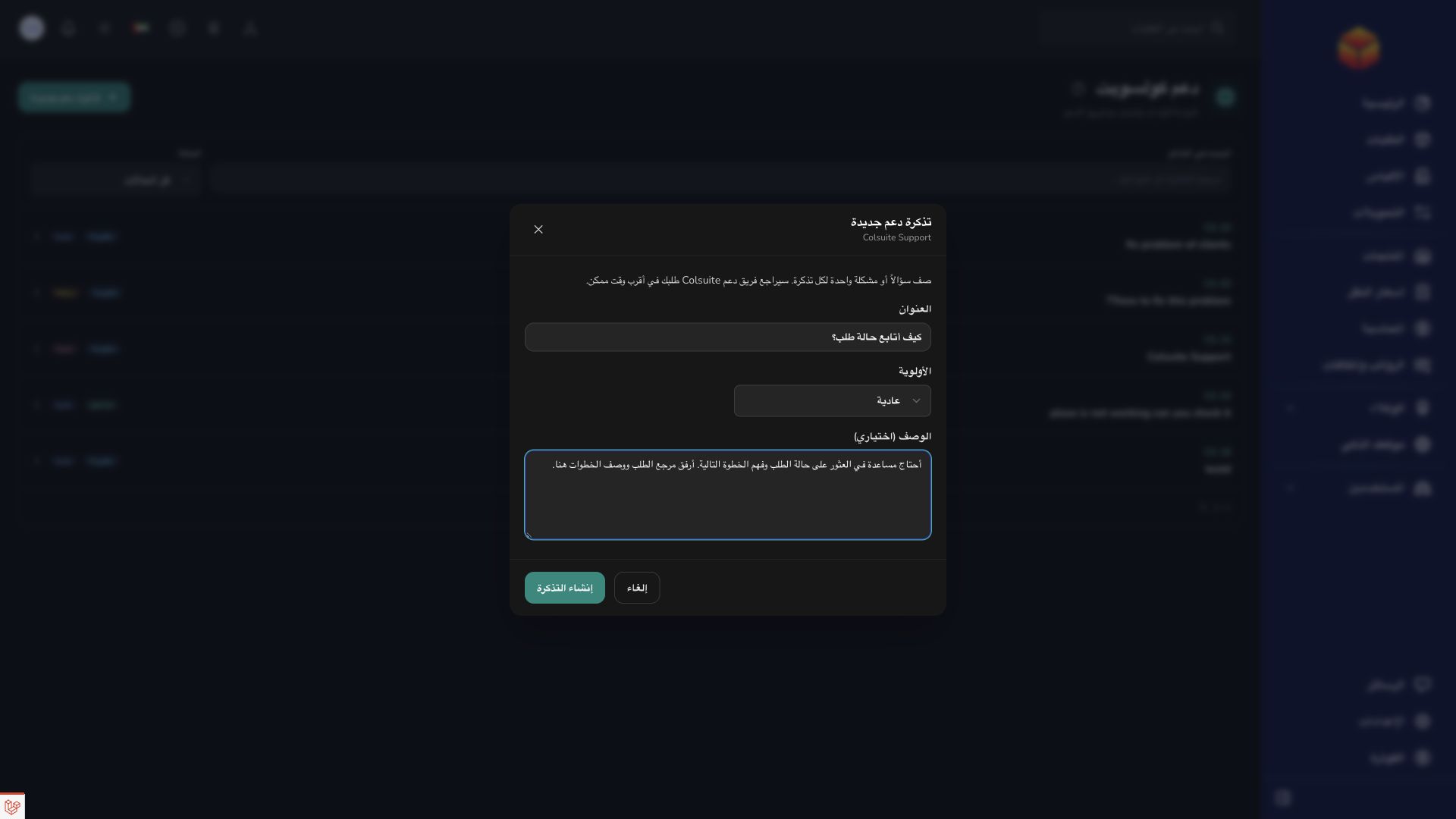
- Open a support ticket with the article link, the step you tried and the difference you observed.
- Include a screenshot when useful and describe the result you expected. Continue following the support conversation for clarification.
Good to know
A translated guide can use different wording from a button in your chosen application language. Share the exact label you see so the documentation team can clarify it.
Application links
Application links require the appropriate account access. The destination is selected for your signed-in role.