Add and manage vendors
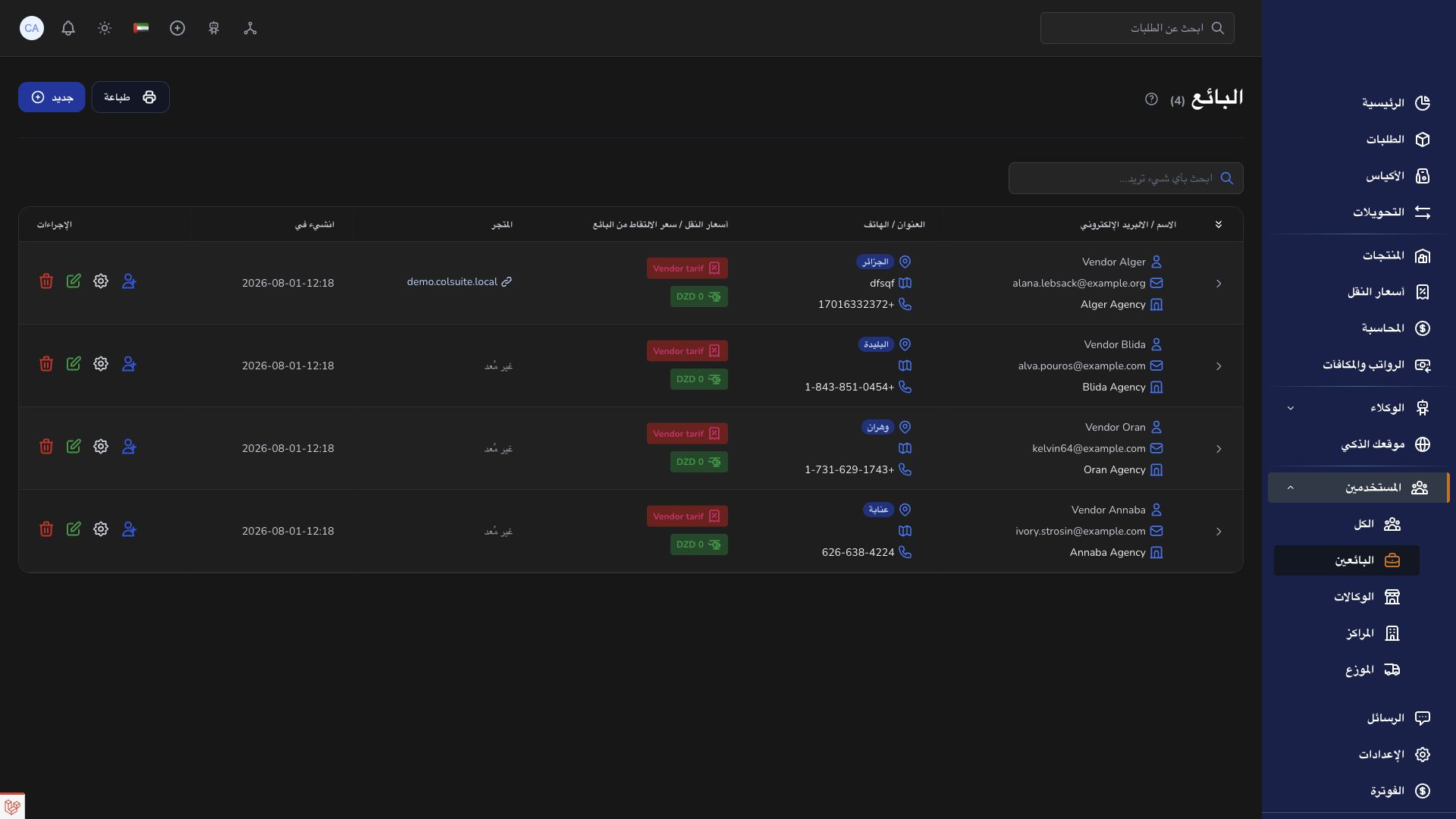
Vendors organize the businesses whose products and shipments are managed through your company.
Overview
Vendors organize the businesses whose products and shipments are managed through your company.
Vendor records, products and operations
A vendor is the merchant connected to the delivery company. The vendor record holds the business context, and individual users are assigned to it. Multiple people may work for one vendor; creating duplicate vendor records for each login fragments the operational and accounting history.
Products and orders should be connected to the intended vendor. Check the assignment before saving, especially when several merchants have similar names. Store settings describe the shopping experience, while Orders records the shipments handled by the logistics network. A public store URL is different from the private vendor settings page.
The company, agencies, hubs and transporters complete the permitted handoffs after an order enters operations. The vendor follows progress using the barcode and available history, then uses the conversation or support channel to raise a discrepancy. Review the vendor’s accounting entries separately from delivery status before interpreting balances or settlement.
Steps
- Open Vendors in your workspace.
- Search for the vendor before adding a new record.
- Enter the required business and contact information and save.
- Review the vendor assignment when adding its users, products or orders.
Good to know
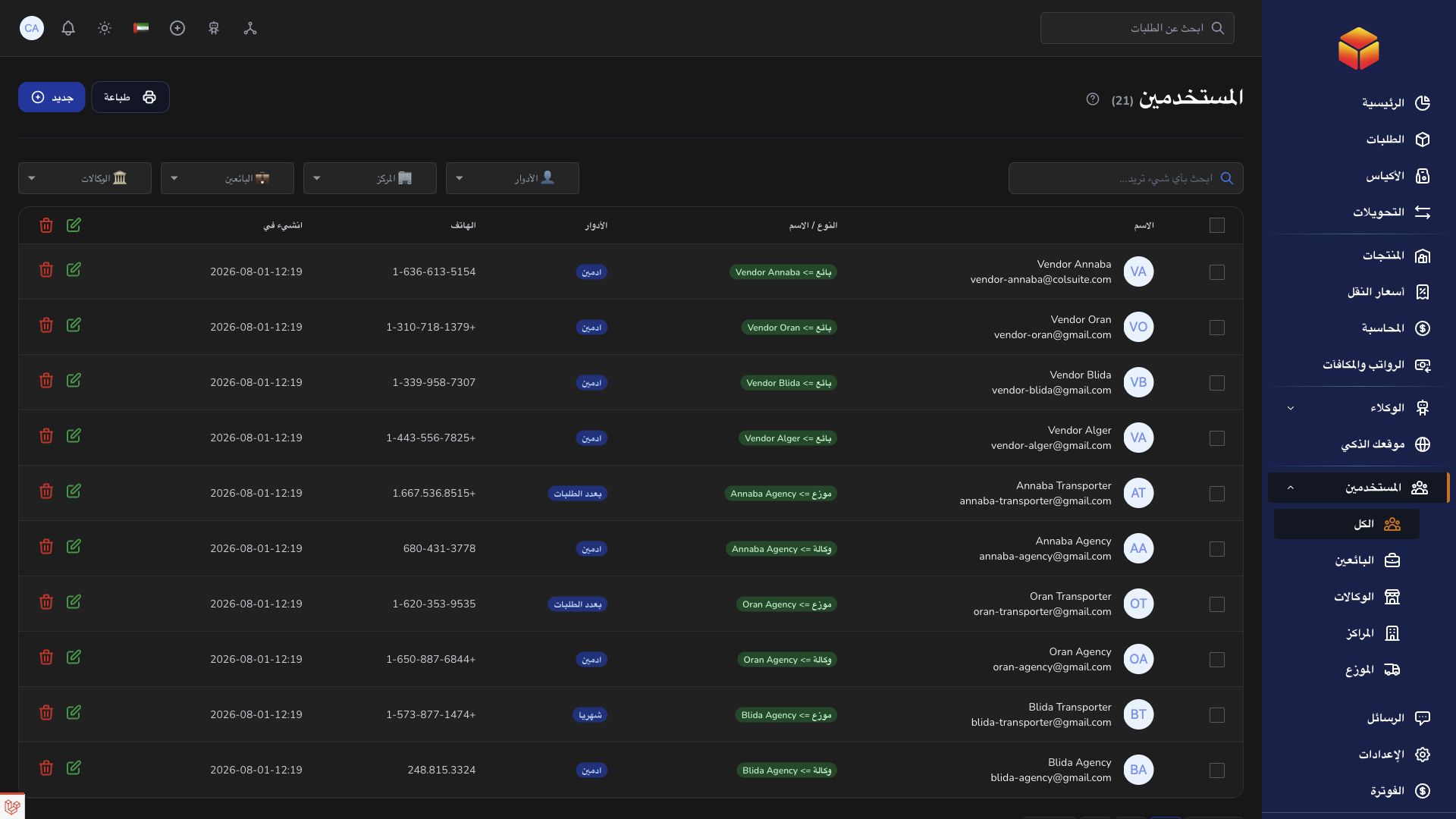
A vendor is the merchant supplying products and orders. The customer is the recipient receiving the delivery. A vendor record and a user login are related concepts but are not interchangeable.
Application links
Application links require the appropriate account access. The destination is selected for your signed-in role.