I cannot find a record
Search results depend on the reference, selected filters and your access to the underlying organization.
Overview
Search results depend on the reference, selected filters and your access to the underlying organization.
Check the cause before repeating an action
Begin with the exact reference and the current page. A wrong status view, old search term, date filter or organization assignment can hide an existing record. Clear irrelevant filters and confirm the account before assuming that data has been lost. An application link remains private even when it was supplied through a public guide.
A missing button or rejected request can reflect permissions, record status, location, assignment or required form fields. Read the full validation message and inspect the latest details. Do not change unrelated record data or create another account simply to bypass a restriction. The responsible company administrator can check organizational access.
If the issue persists, preserve the page URL, time, record references, visible message, attempted steps and expected result. After a connection interruption, verify whether the operation already succeeded before repeating it. Send one support ticket and follow replies in that conversation. This is especially important for order creation, payment recording and logistics transitions.
Steps
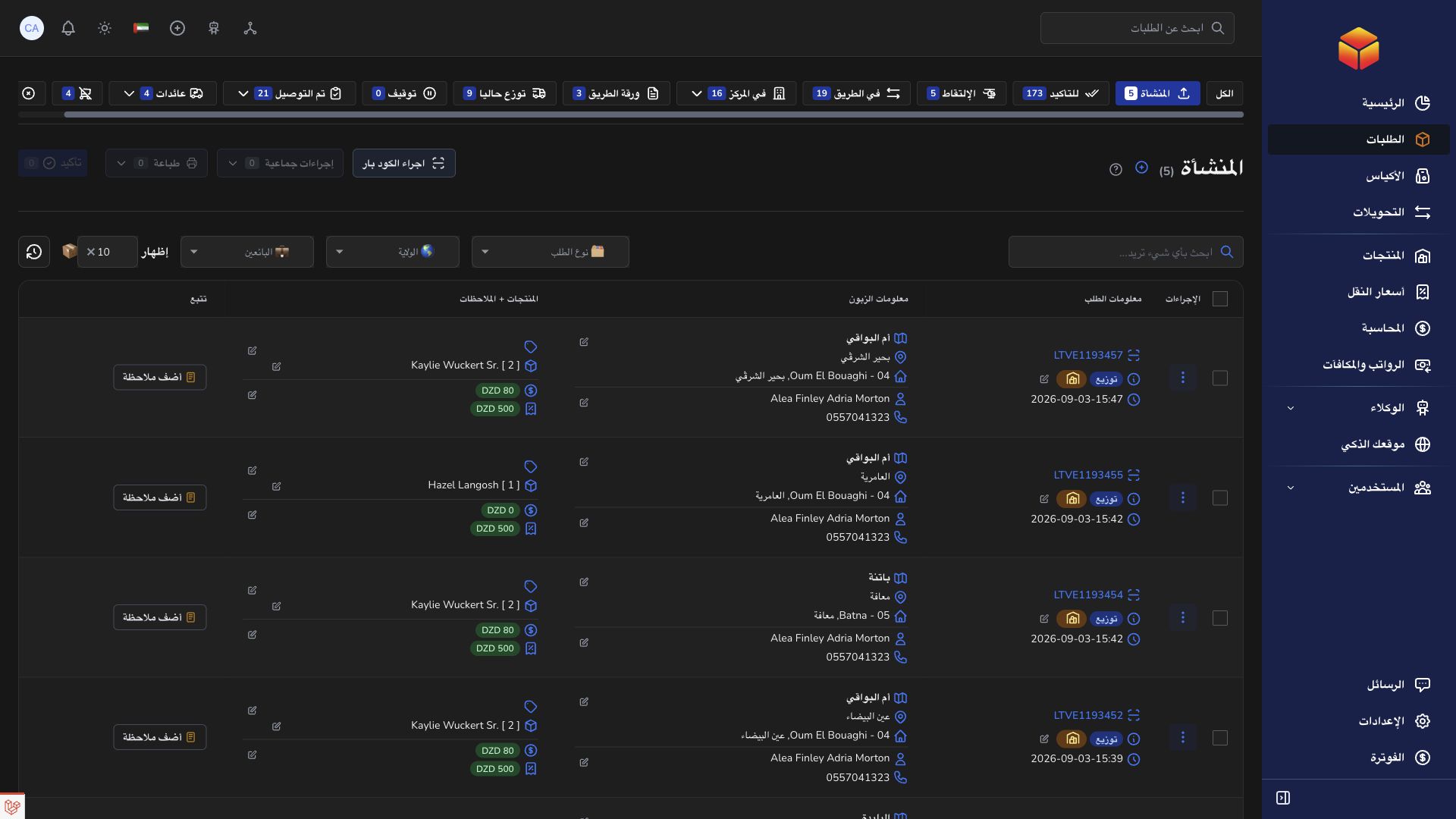
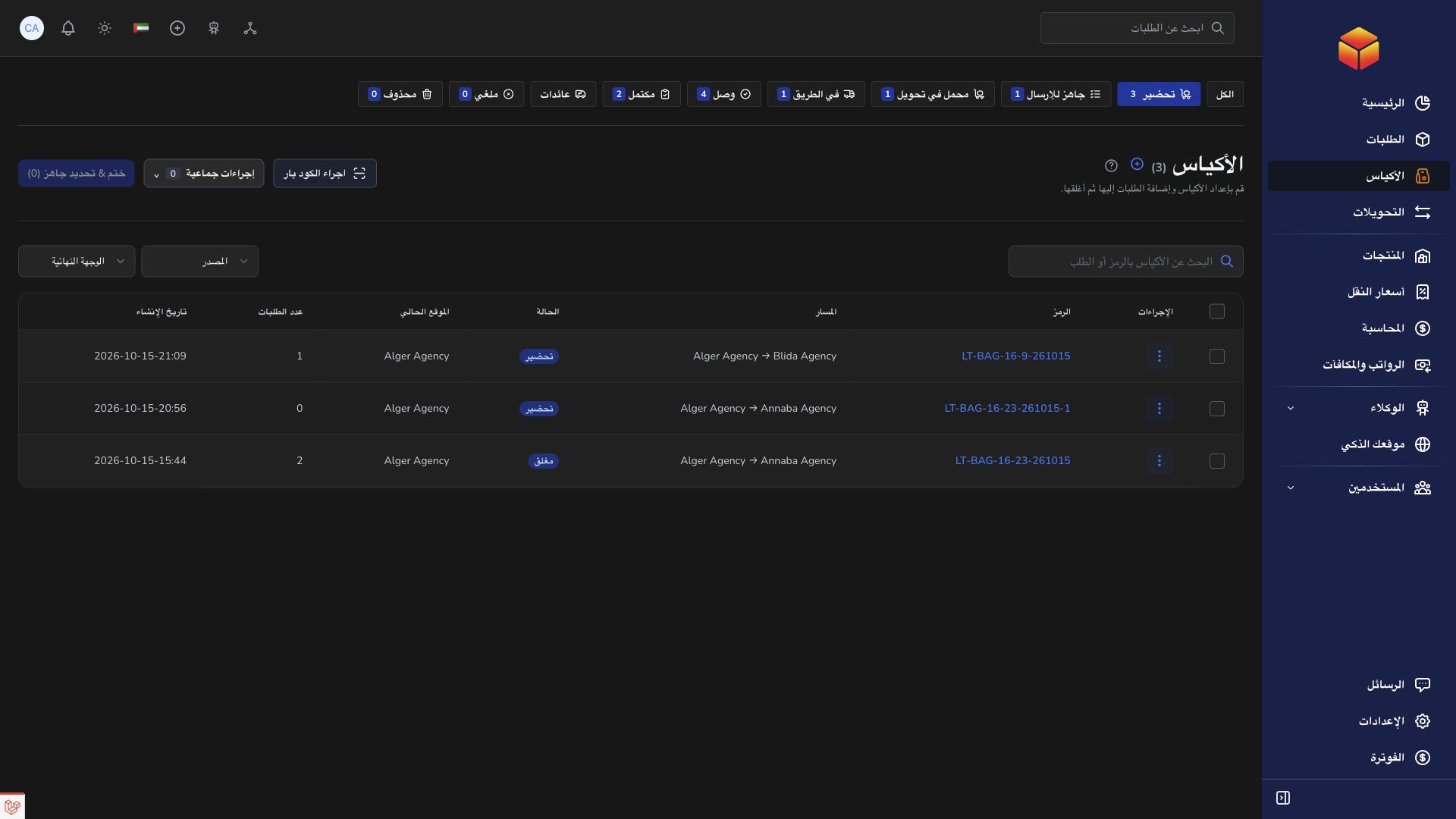
- Copy the complete order barcode, bag reference or transfer reference from the original source.
- Open the appropriate module and clear unrelated search and status filters.
- Confirm that you are signed in to the intended organization and role.
- If the record is still missing, contact support with the reference and the page you searched.
Good to know
A public documentation link can open for everyone; a private application record cannot. Do not create a replacement until an authorized operator has checked whether the original exists.
Application links
Application links require the appropriate account access. The destination is selected for your signed-in role.